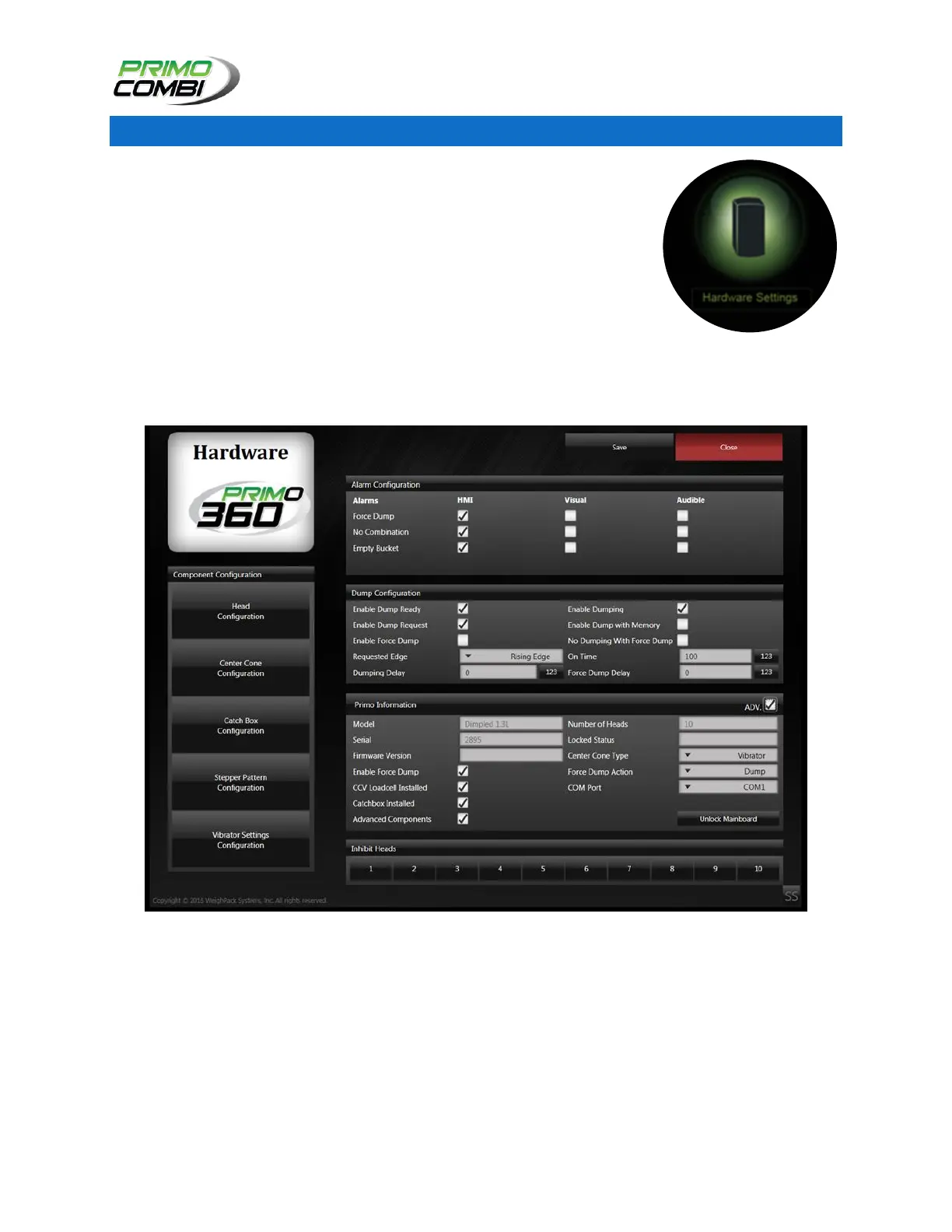
The hardware screen provides general information about the PrimoCombi
and access to many different component configurations such as the head,
center cone and catch box configurations. The hardware screen also allows
the operator to customize alarm configurations and dump configurations to
allow the PrimoCombi to communicate with various devices.
From the main navigation window, the operator can access the Hardware
Configuration screen by clicking on the Settings icon. This will bring up a
sub-menu with Hardware and Software icons.
Clicking on the Hardware icon will bring the operator to the Hardware
Configuration Screen.



 To Next Page