61
January, 2017
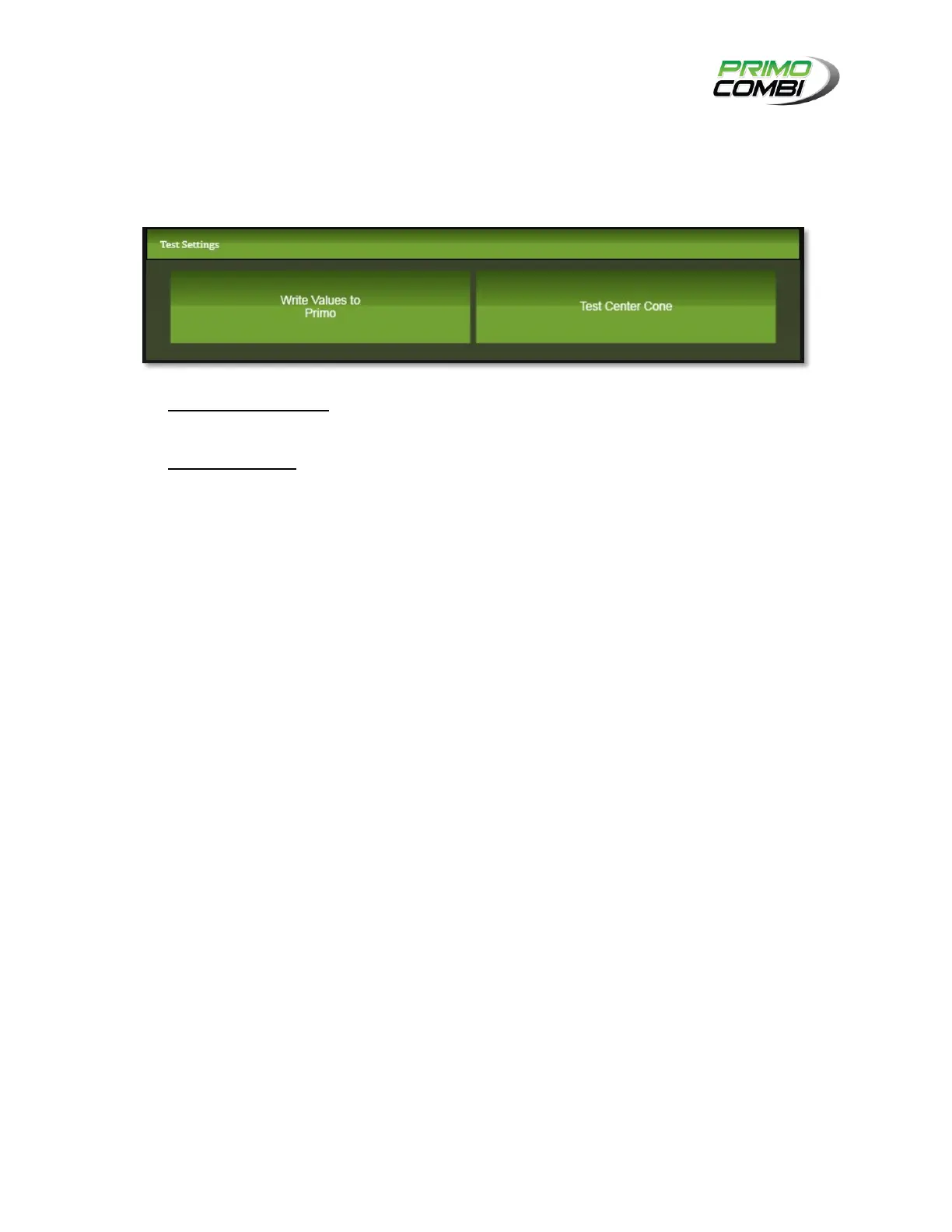
TEST SETTINGS
The Test Settings section allows you to view your settings in operation before saving them to the
database. This allows you to view the effect each setting will have on the head sequence. Take note that
you will not be able to use these buttons if the PrimoCombi is in RUN or PAUSE mode.
Write Values to Primo – Clicking this button will send the current values for the center cone
motor settings to the PrimoCombi.
Test Center Cone – This will activate the center cone motor.
Note: It is suggested that you test your settings prior to saving them.



 To Next Page