66
January, 2017
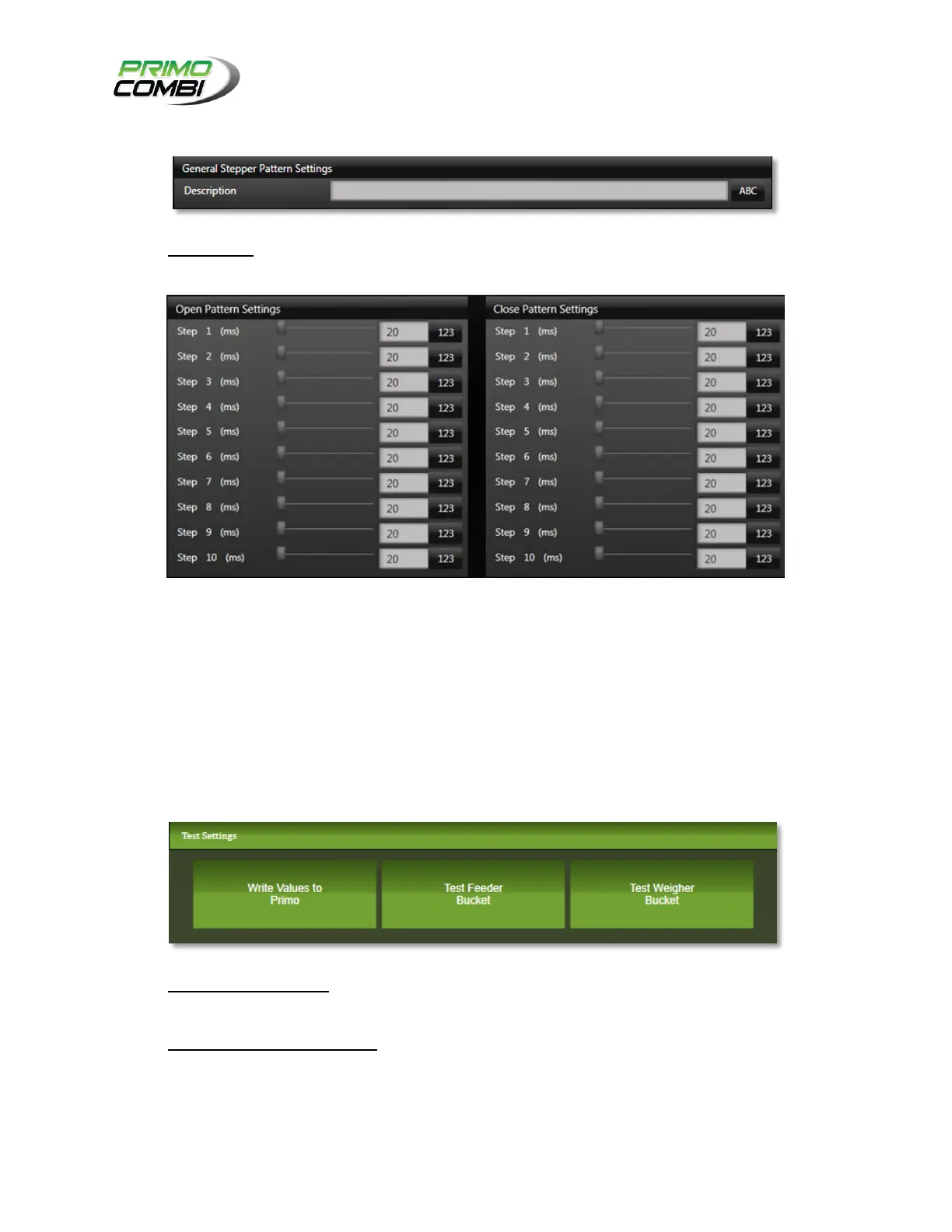
GENERAL STEPPER PATTERN SETTINGS
Description – This is the description of the configuration. It is recommended that you give the
configuration a description allowing easy recognition of the settings.
OPEN/CLOSING PATTERN SETTINGS
Is where the timing settings for the steppers patterns are configured.
TEST SETTINGS
The Test Settings section allows you to view your settings in operation before saving them to the
database. This will allow you to view the effect each setting will have on the head sequence. Take note
that you will not be able to use these buttons if the PrimoCombi is in RUN or PAUSE mode.
Write Values to Primo – Clicking this button will send the current values for the catch box
settings to the PrimoCombi.
Test Feeder/Weigher Bucket– This will activate the catch box.
Unless you are an advanced operator it is suggested that you test your settings prior to saving them.



 To Next Page