68
January, 2017
SOFTWARE
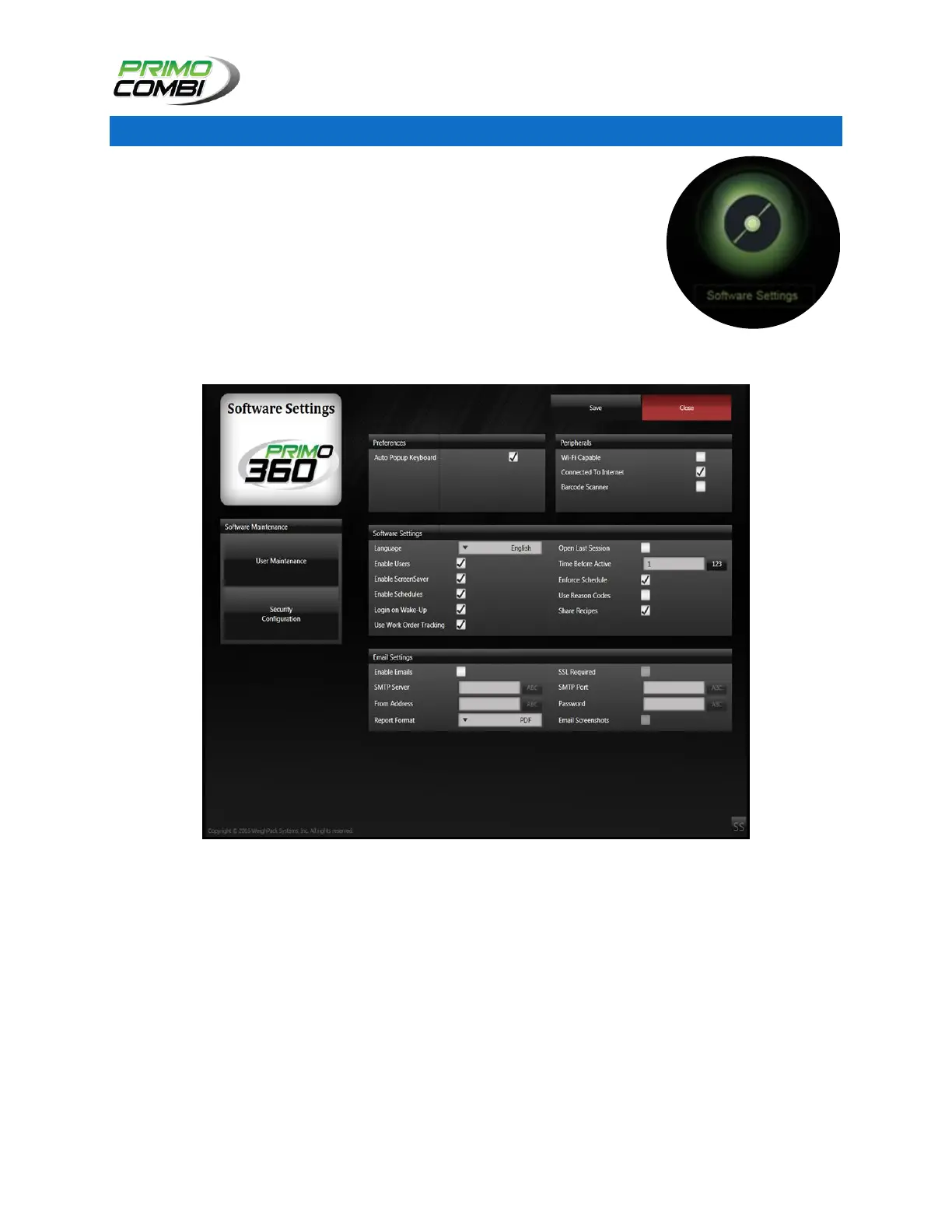
The software screen provides general information about the 360 Operating
System and allows an administrator to create special users and groups, as
well as allow the selection of languages, themes, and other software-related
items.
From the main navigation window you can access the Software Configuration
screen by clicking the Settings icon. This will bring up a sub-menu with
Hardware and Software icons.
Clicking on the Software icon will bring you to the Hardware Configuration Screen.
Software Settings Screen



 To Next Page