69
January, 2017
PREFERENCES
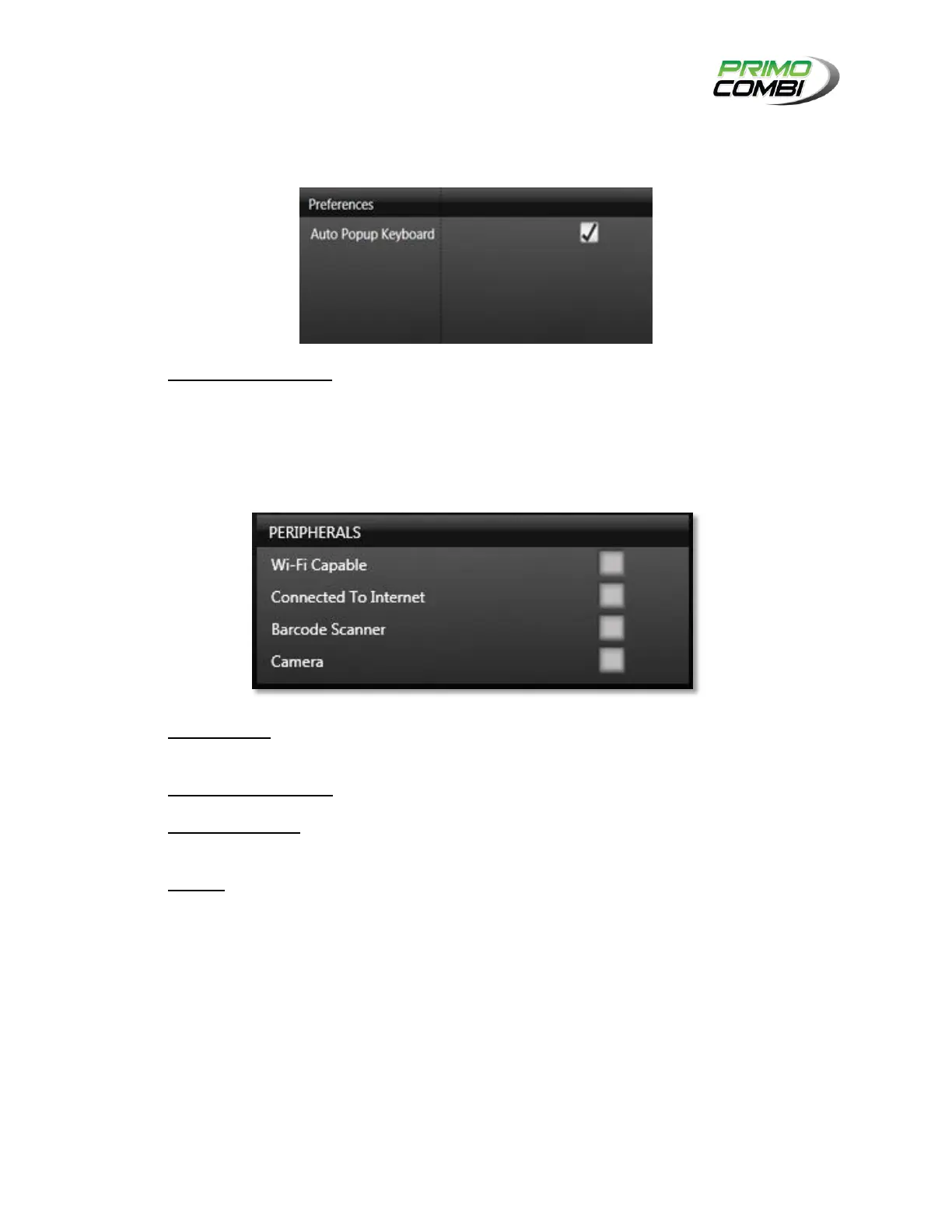
The Preferences section is where you can determine the general settings for your 360 Operating System.
Auto Popup Keyboard – Checking this box will enable the popup keyboard.
PERIPHERALS
Peripherals are 360 Operating System add-ins that you can choose and enable.
Wi-Fi Capable – By default, all PrimoCombi PC panels include Wi-Fi. If Wi-Fi is not available, this
checkbox will not be checked. If a Wi-Fi network is available, this checkbox will be checked.
Connected To Internet – This checkbox indicates if the PC panel is connected to the internet.
Barcode Scanner – This checkbox indicates if the 360 Operating System has been configured to
use a barcode scanner for loading recipes.
Camera – This checkbox indicates if the 360 Operating System has detected a camera attached
to the PC panel.



 To Next Page