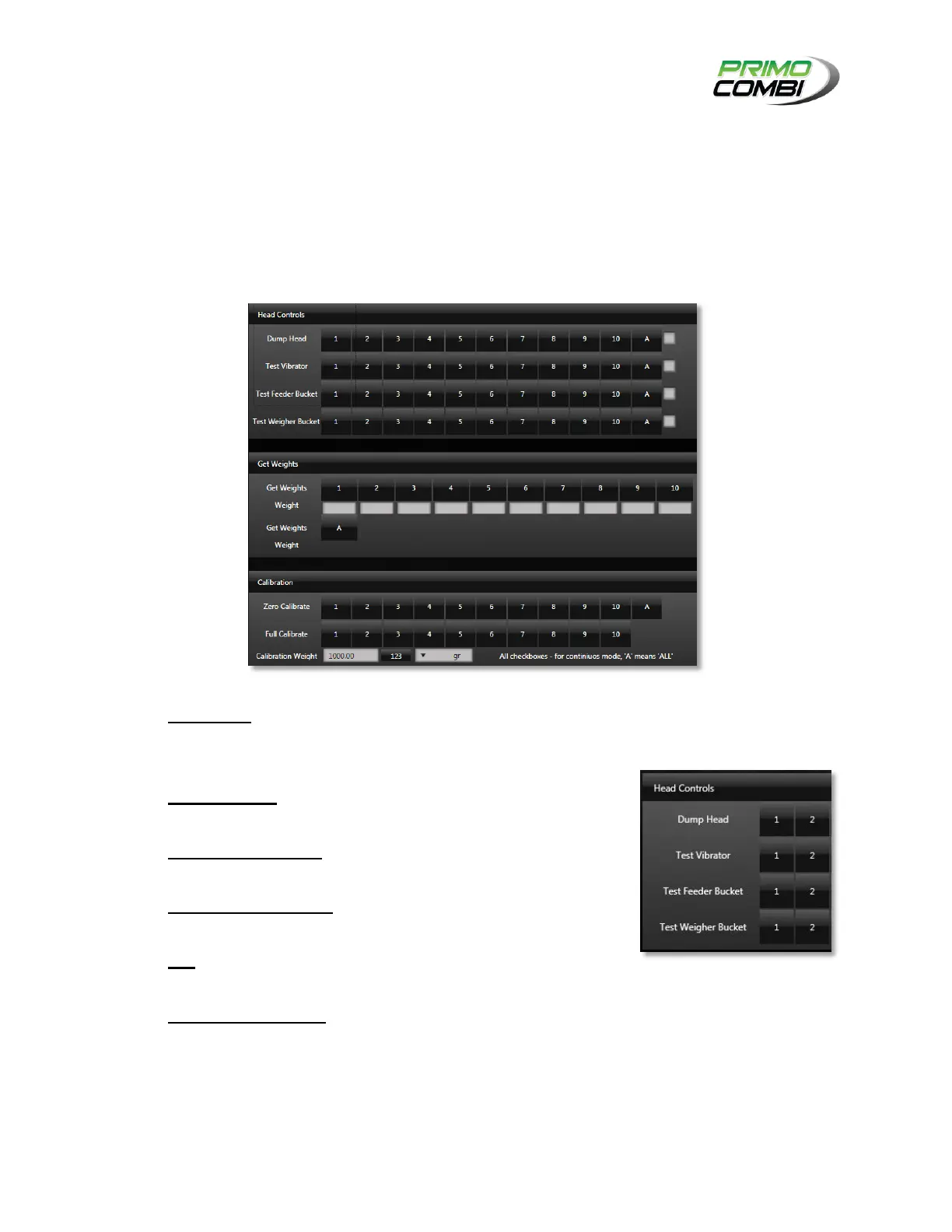
DUMP HEAD – Pressing a button will activate the full head
sequence for the corresponding head. The sequence is Weigher
Bucket → Feeder Bucket → Vibrator → Get Weight.
TEST VIBRATOR – Pressing a button will activate the Vibrator for
the corresponding head.
TEST FEEDER BUCKET – Pressing a button will activate the
Feeder Bucket for the corresponding head.
TEST WEIGHER BUCKET – Pressing a button will activate the
Weigher Bucket for the corresponding head.
ALL – Pressing this button will activate all specified components
once.
CONTINUOUS RUN BOX – On the far right of the Head Controls
window is a column of check boxes. Checking them will allow you
to turn on all components repeatedly until the box is unchecked.



 To Next Page