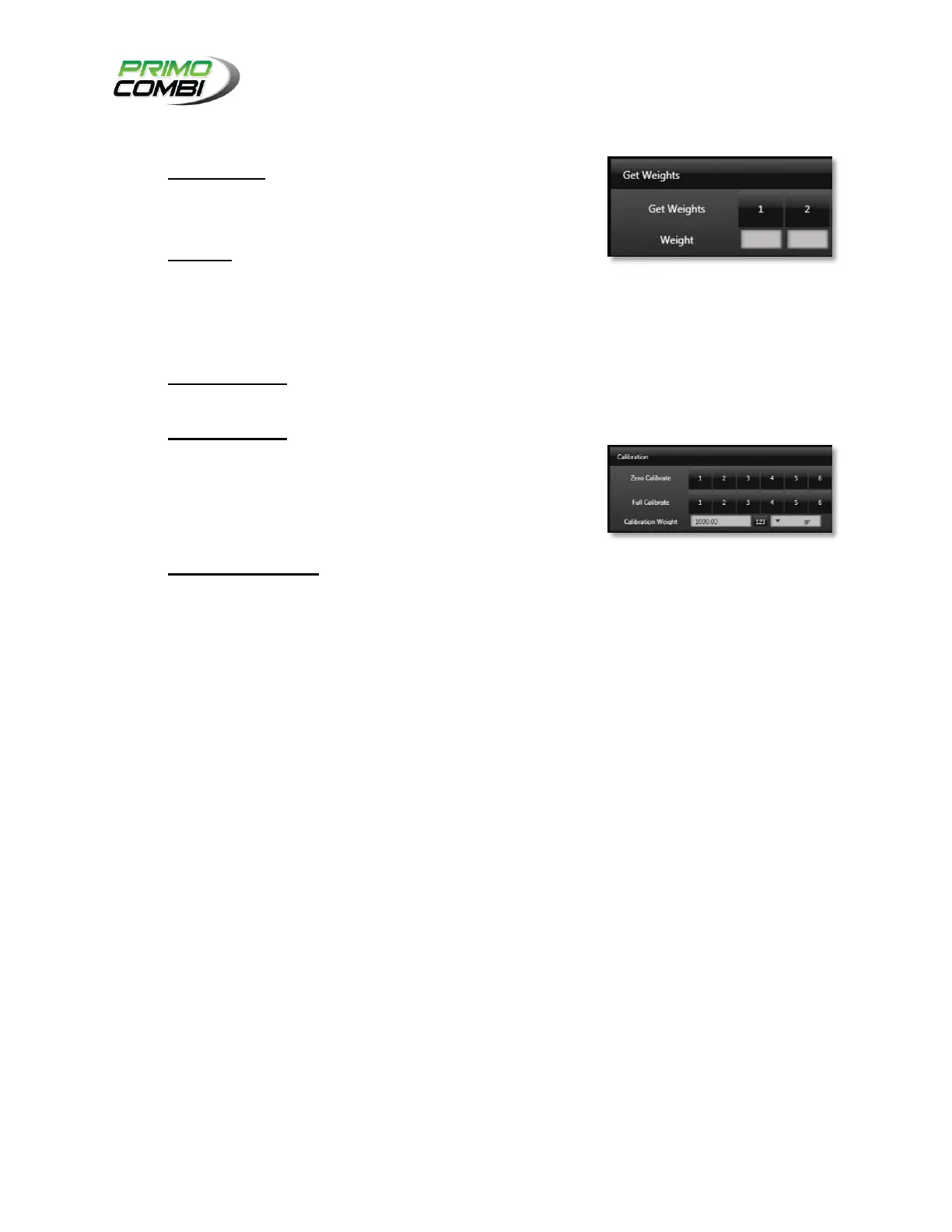
GET WEIGHTS – Pressing a button will get the weight of the
corresponding head (the scale must be stopped in order to
perform this action.
WEIGHTS – Once the weight is received from the scale, it will
be displayed in the field corresponding to the head.
ZERO CALIBRATE – Pressing this button will do a zero
calibrate (tare operation) on the corresponding head.
FULL CALIBRATE – Pressing this button will begin the Full
Calibration process for the corresponding head. Once the
button is pressed, the operator will be prompted to ensure
that the calibration weight is properly placed on the head the
operator wishes to calibrate.
CALIBRATION WEIGHT – This is where you tell the
PrimoCombi what your calibration (a.k.a. point of reference)
weight is for a full calibration.



 To Next Page