Ⓒ weinor GmbH & Co. KG EN | 73
4.5.4 Menu product selection (only for programmed
channels)
Regardlessoftheproductsalreadydenedwhenprogram-
ming(“INTERNAL”setting),itispossibletoredenethe
product display individually for each channel using the
corresponding icon.
• Menu button “Save”
Important:
After resetting to “Factory settings”, the individual product
displays will be lost and may need to be reset.
4.5.5 Factory settings menu
Selectingandconrmingthesemenuitemsresetsall
settings to the factory settings except the channel-bound
receiver assignment (language, individual texts, product
display, automatic status). If necessary, the settings must
beconguredagain.
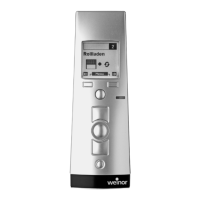
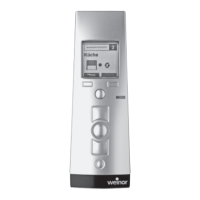
Factory settings for the
BiEasy 15M Go!
Default setting
Lettering Texteld1
Texteld2
empty depending on
programmed receiver
Language lighting German on
Product selection Depending on the
programmed receiver
Expert Allon/oINFO
on/o
All on INFO on
Tab. 11 Factory settings for the BiEasy 15M Go!
BiEasy-15Mgo_weinor_BA_18112801_DE+EN_0218.indb 73 26.02.2018 13:50:47


 To Next Page
 Loading...