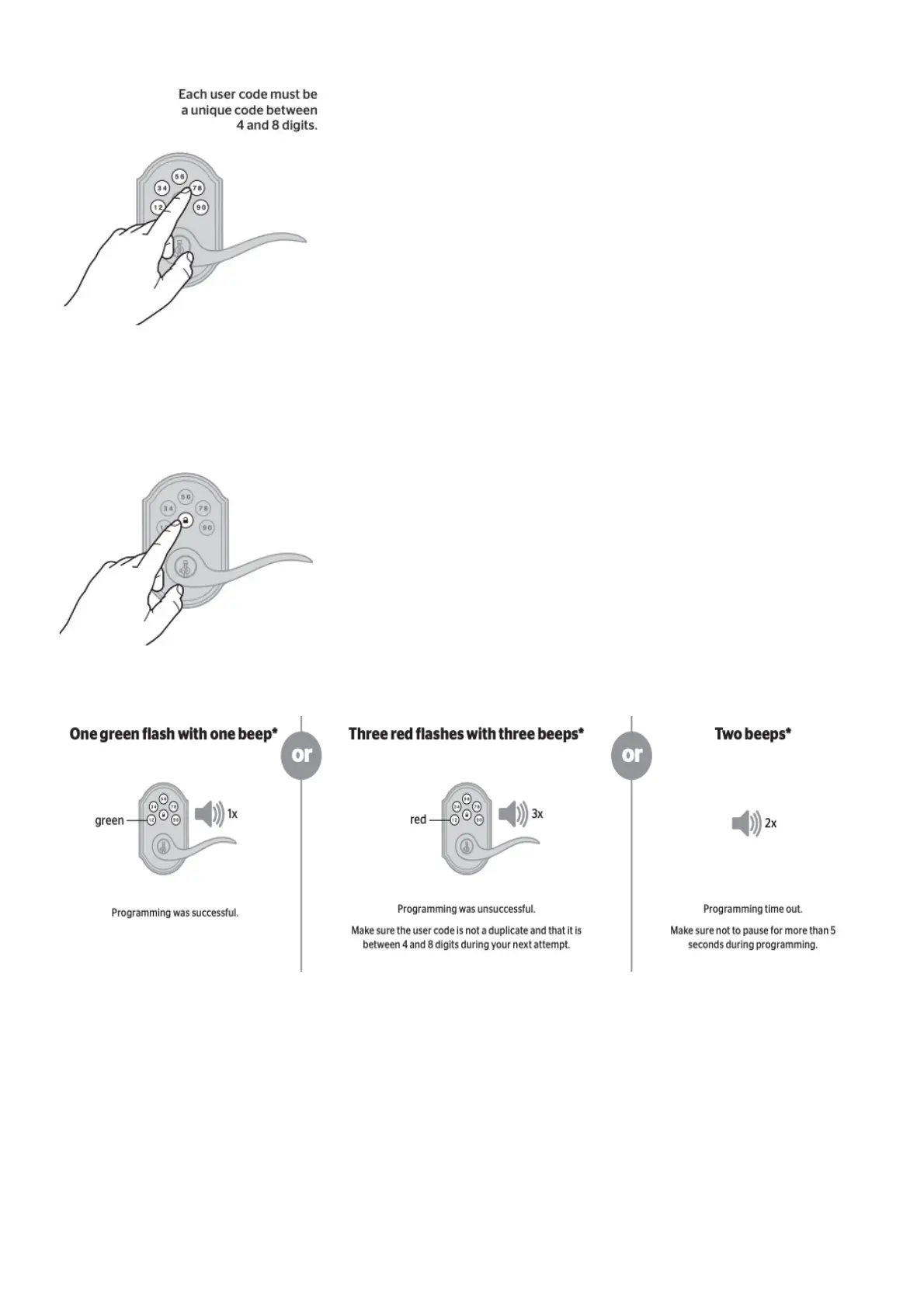
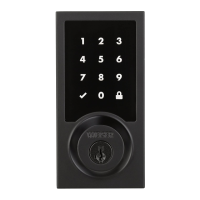
B. Enter user code. A total of 8 user codes may be programmed.
C. Press Lock button once.
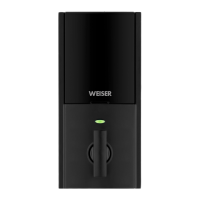
D. What lights and sounds does the lock produce?
*Beeping sound will only be heard if switch #3 (on the lock interior) is in the on positon. See “Switches
and Status LED Colors” on page 4.
Mastercode
For enhanced security, a mastercode may be used when adding and deleting user codes. For more
information about the mastercode, download the Programming and Troubleshooting Guide on the
SmartCode 5 Lever page at www.weiserlock.com.
8. Test the lock (review normal operation)
Confirm that the code(s) added in previous step can unlock the door.


 To Next Page