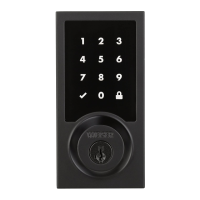
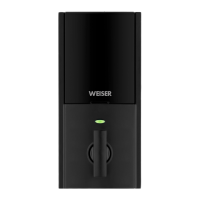
Deleting a user code
In order to delete a user code, you must override the code by adding a different user code in the same
position. For example, if you want to delete the third code, add a different user code in position three.
Test the old user code to make sure it can no longer unlock the door.
Troubleshooting
A complete Programming and Troubleshooting Guide is available on the SmartCode 5 Lever page at
www.weiserlock.com.
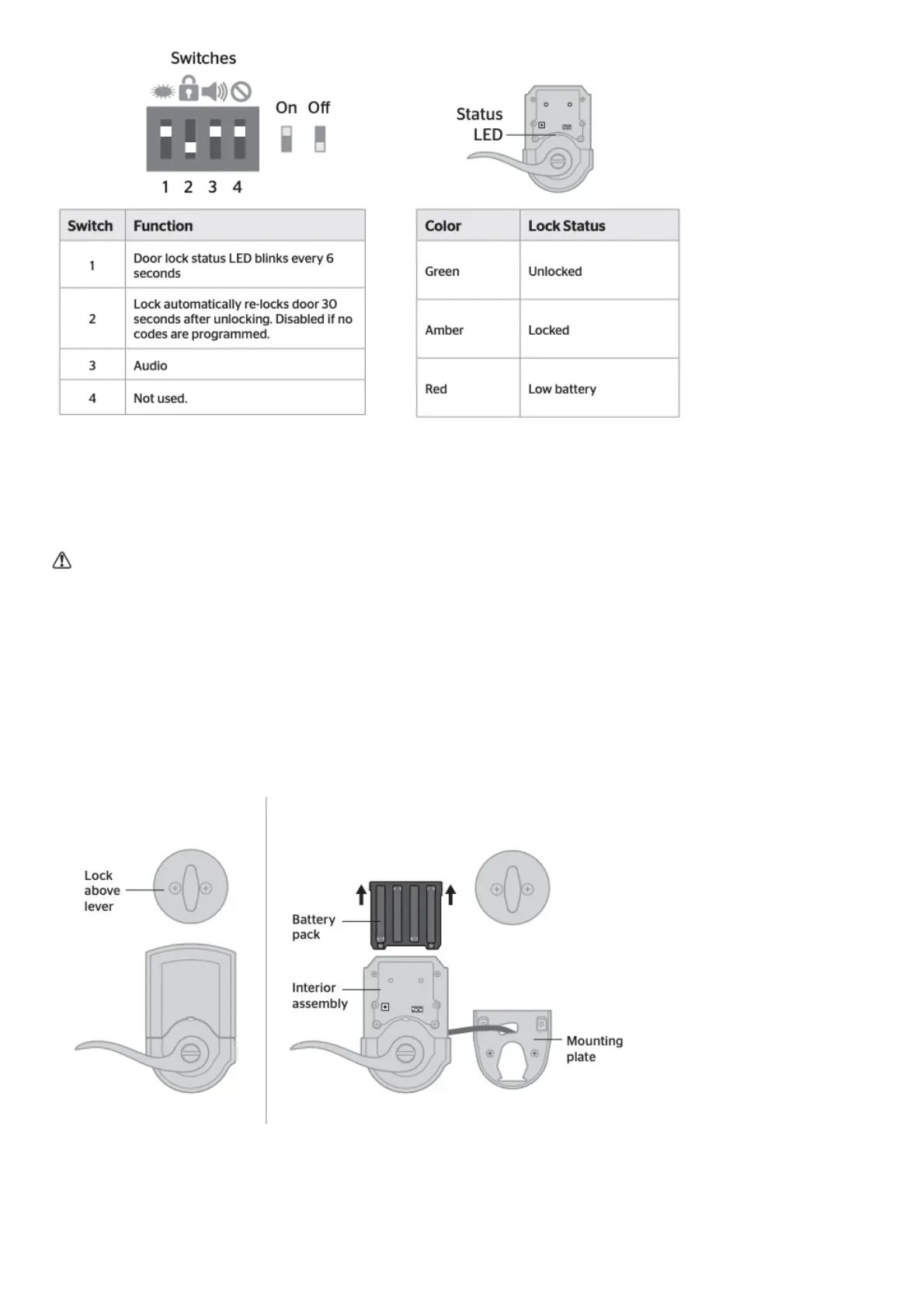
Battery Replacement
If another lock is installed above the lever, remove the interior assembly when battery replacement is
required.
Factory Reset
A factory reset will delete all codes associated with the lock.


 To Next Page