_______________________________________________________________________________________________________________________________
Merrychef eikon
®
e2s Installation and User Manual
_______________________________________________________________________________________________________________________________
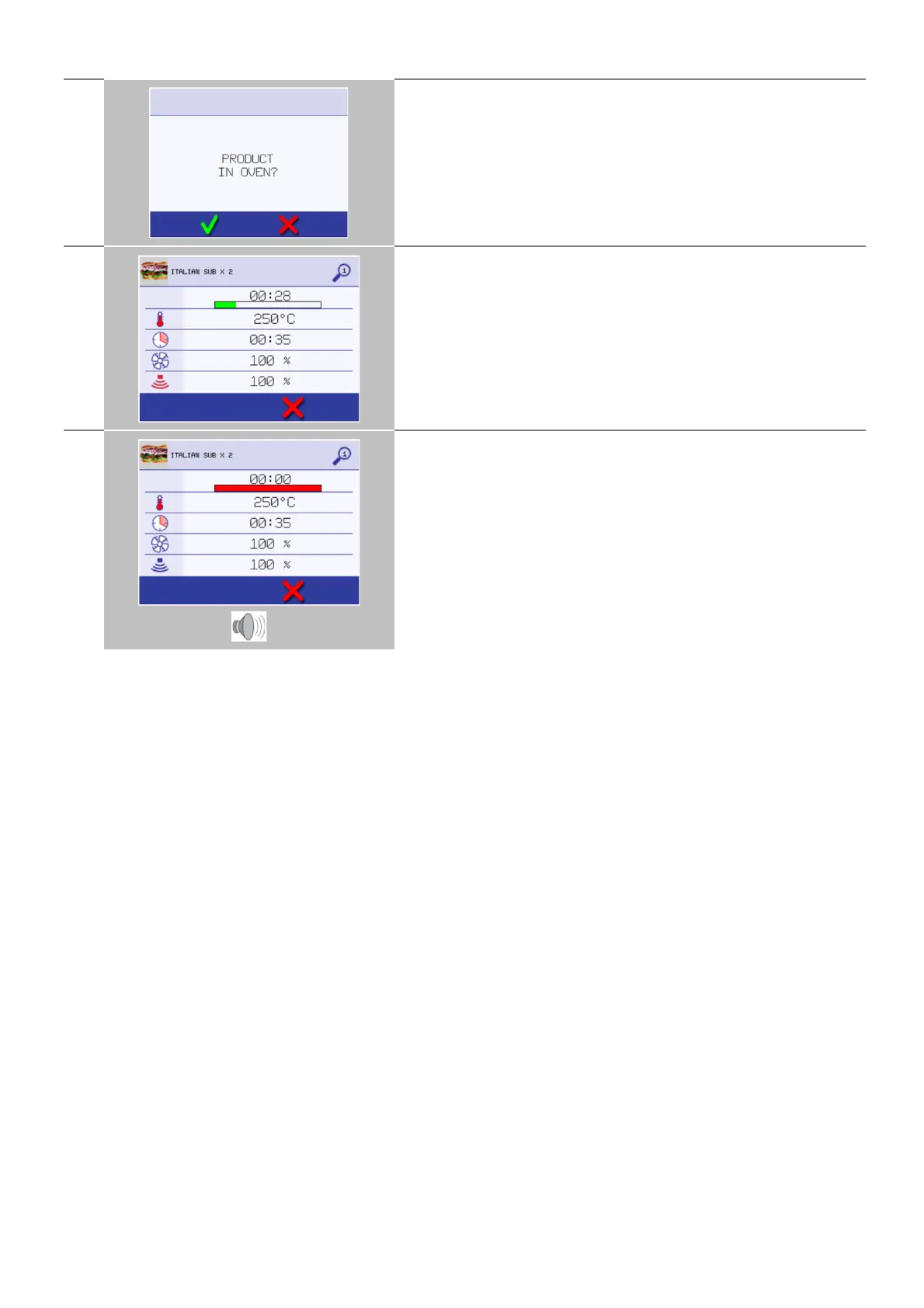
Follow any instructions on the screen, if displayed.
Press the green check mark to cook.
The cooking time counts down for each program stage.
To check the cavity temperature when cooking, lightly tap the
temperature displayed. The cavity temperature is shown with an
asterisk.
When the cooking profile ends a red bar is displayed usually with an
audible sound. Open the door or touch the red ‘X’ to return to the
cooking profile.
Opening the appliance door during cooking stops the cooking profile
and displays a warning.
Closing the door allows the user to continue or cancel the cooking
profile.



 To Next Page