_______________________________________________________________________________________________________________________________
Merrychef eikon
®
e2s Installation and User Manual
_______________________________________________________________________________________________________________________________
8.2.4 Using a cooking profile
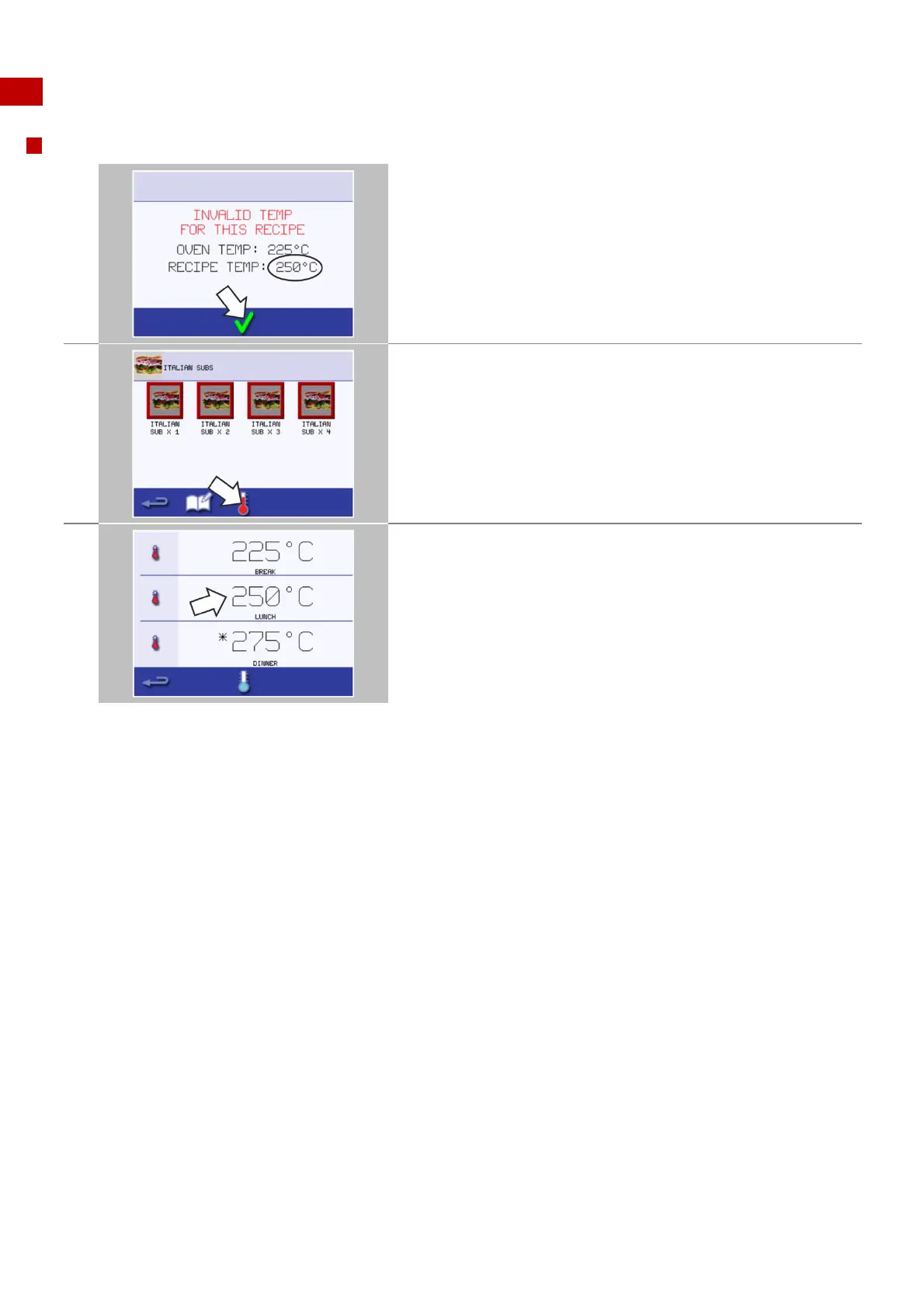
Changing the cavity temperature
Take note of the cavity temperature required for
the cooking profile.
Then press the green tick to continue.
Select the 'temperature' symbol.
An asterisk next to the temperature value indicates the present cavity
temperature.
Select the required cavity temperature for the cooking profile, for
example 250°C / 482°F.
Once the cavity reaches the required temperature continue from
selecting the ‘cookbook’ in step 1.



 To Next Page