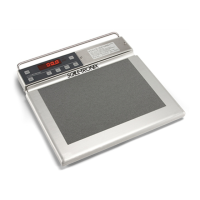
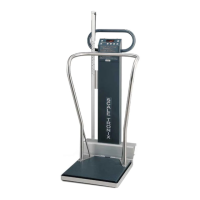
General compliance and standards
Directive 2002/96/EC-WEEE:
Disposal of noncontaminated electrical and electronic equipment
This product and its accessories must be disposed of according to local laws and
regulations. Do not dispose of this product as unsorted municipal waste. Prepare this
product for reuse or separate collection as specified by Directive 2002/96/EC of the
European Parliament and the Council of the European Union on Waste Electronic and
Electrical Equipment (WEEE). If this product is contaminated, this directive does not
apply.
For more specific disposal or compliance information, see www.welchallyn.com/weee,
or contact Welch Allyn Customer Service at +44 207 365 6780.
Troubleshooting
This section presents tables of information to help you troubleshoot issues with the
scale.
To use these tables, locate the specific problem with your scale in the left column of the
table. The remainder of the row explains possible causes and suggests actions that can
resolve the issue.
Issue
Possible cause Suggested action
The display does not illuminate No power is supplied to the scale Make sure that the scale is
plugged in.
Make sure that the batteries are
properly installed and are in good
condition.
The cable between the display board and the
instrument board is disconnected
Contact your service department.
The membrane keyboard and the display board
are disconnected
Contact your service department.
The weight reading takes too long
to display
The cradle is in motion Wait for the cradle to settle.
The LOW BATTERY
indicator is illuminated
The scale batteries are low on power Replace the scale batteries.
The scale displays bAttrY
The batteries do not have enough power to
operate the scale
Replace the scale batteries.
The scale displays CAbLE
A signal outside the range of the internal A/D
converter has been applied
Contact your service department.
The scale displays O-LOAd
The object on the scale is larger than the
maximum value allowed
If the weight value is within the
specified range, contact your
service department.
18 Storage, cleaning, and maintenance Welch Allyn Pediatric/Infant Scale



 To Next Page
 Loading...