Directions for use Digital MacroView 9
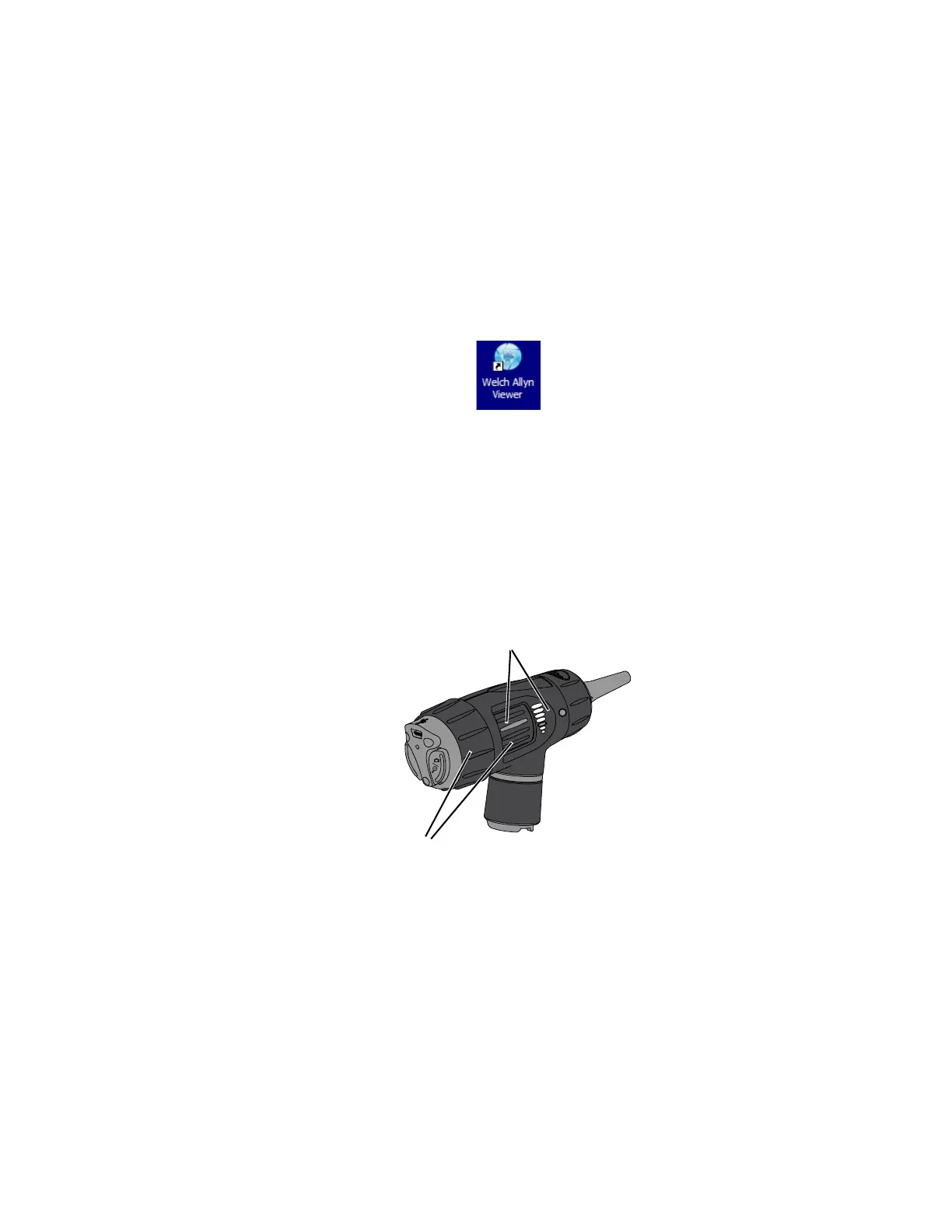
3. Double-click the Welch Allyn Viewer icon on your computer
desktop.
4. Turn the power source to FULL ON position to achieve
optimum performance. The computer displays an image.
Digital MacroView automatically optimizes the image
brightness.
If necessary, adjust the color and brightness controls on the
computer monitor for picture quality.
Using focus
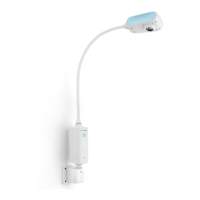
Default Position: align the green line to the green dot.
Free Focus: rotate either
wheel to fine-tune the
image.














 To Next Page