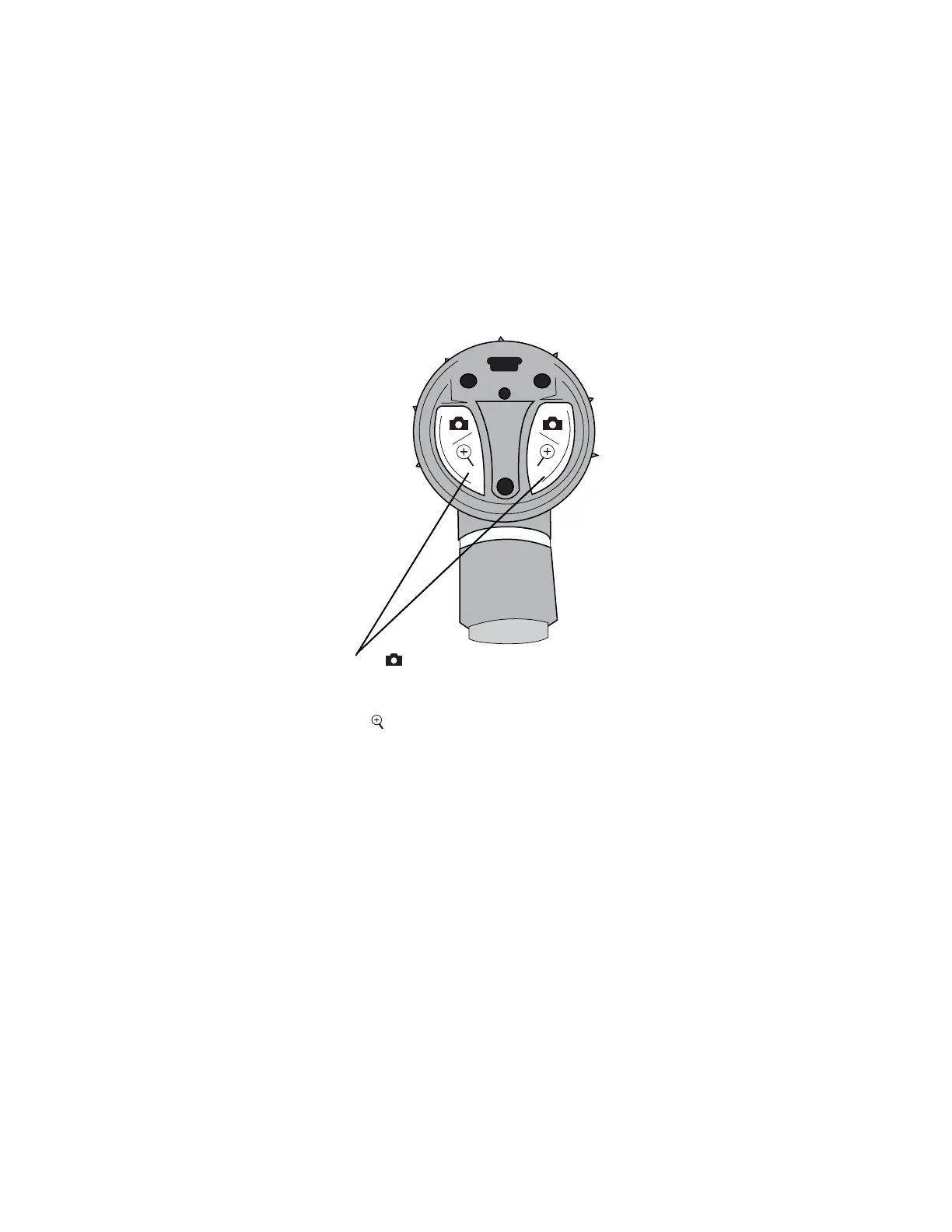
Capture: Press and hold either function button for
approximately 1 second. Upon release of the function button the
image freezes as a thumbnail on the screen. If the image is rotated
(see below) then the captured image is rotated.
Zoom: Press and hold either function button for approximately
2 seconds. Zoom is for on-screen viewing purposes only. Capturing
an image while in zoom mode produces a standard thumbnail. Press
and hold either function button again to zoom out.
Rotate: Press and hold both buttons for approximately 4 seconds.
Image rotates 180° on screen. Press and hold again to return the
image to its original position.














 To Next Page