20
HYPO AND HYPER WARNING SETTING
Setting Hypo warning after nishing setting up tone
Step 1:
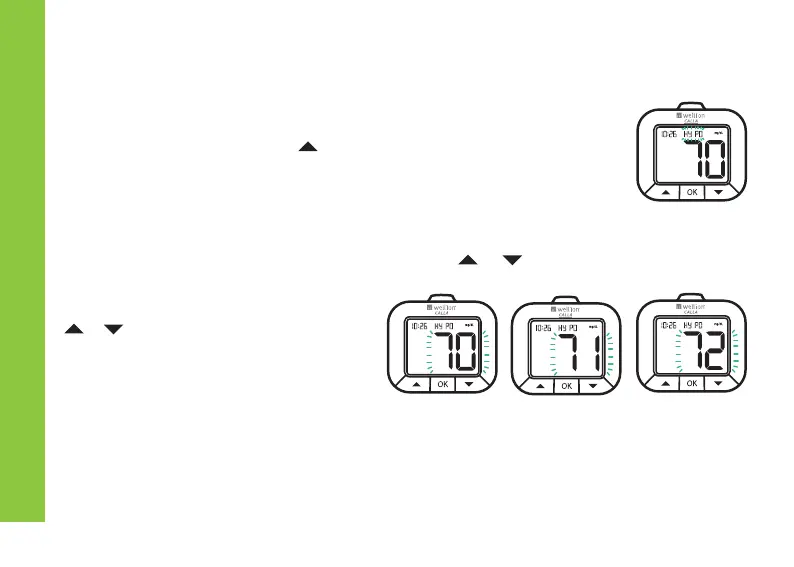
After conrming your tone set up by following the instructions in
the previous section, press button to select hypo set up. The
hypo icon will ash and the current hypoglycemia warning value
will display on the LCD screen.
Step 2:
Press the OK button to enter hypo setup. Press or buttons to
once adjust the values one
by one or press and hold
or buttons to advance through
the numbers very quickly. The
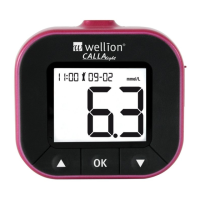
Wellion CALLA Light Meter has a
settable Hypo range from 0 to 127
mg/dl (0 to 7 mmol/l)
Step 3:
Press the OK button to exit Hypo setup once conrmed.


 To Next Page