40
VIEWING STORED READINGS AND 1, 7, 14, 30, 60 AND 90 DAYS AVERAGE
FROM MEMORY
The CALLA Light Meter automatically stores up to 500 test and control results with
date and time. In addition, the meter also provides 1, 7, 14, 30, 60 and 90 days
averaging to help you better track your eort in controlling your blood glucose
level. You will need to set your meter date and time to use the memory and day
averaging function, see Setting Up Your New System on page 11. The meter will not
memorize any test or control results if the date and time are not set.
Materials you will need:
Your Wellion CALLA Light Meter
Step 1:
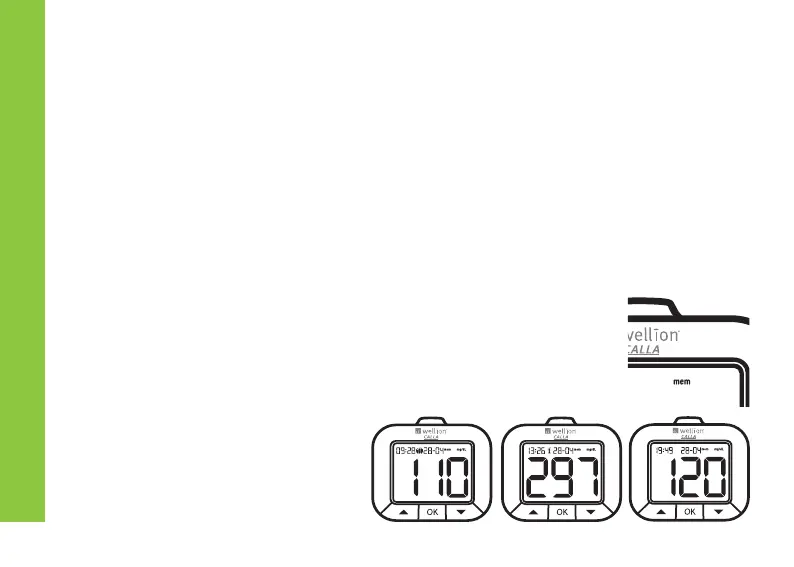
Turn on the meter by press and hold the OK button until the
screen shows “mem”.
Step 2:
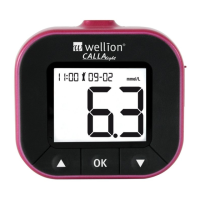
The meter will light up showing
the latest memorized result.
VIEWING YOUR METERS MEMORY


 To Next Page