ATA-171/172/171P/171M (ATA-S1/S2/P/M)
User’s Guide
18
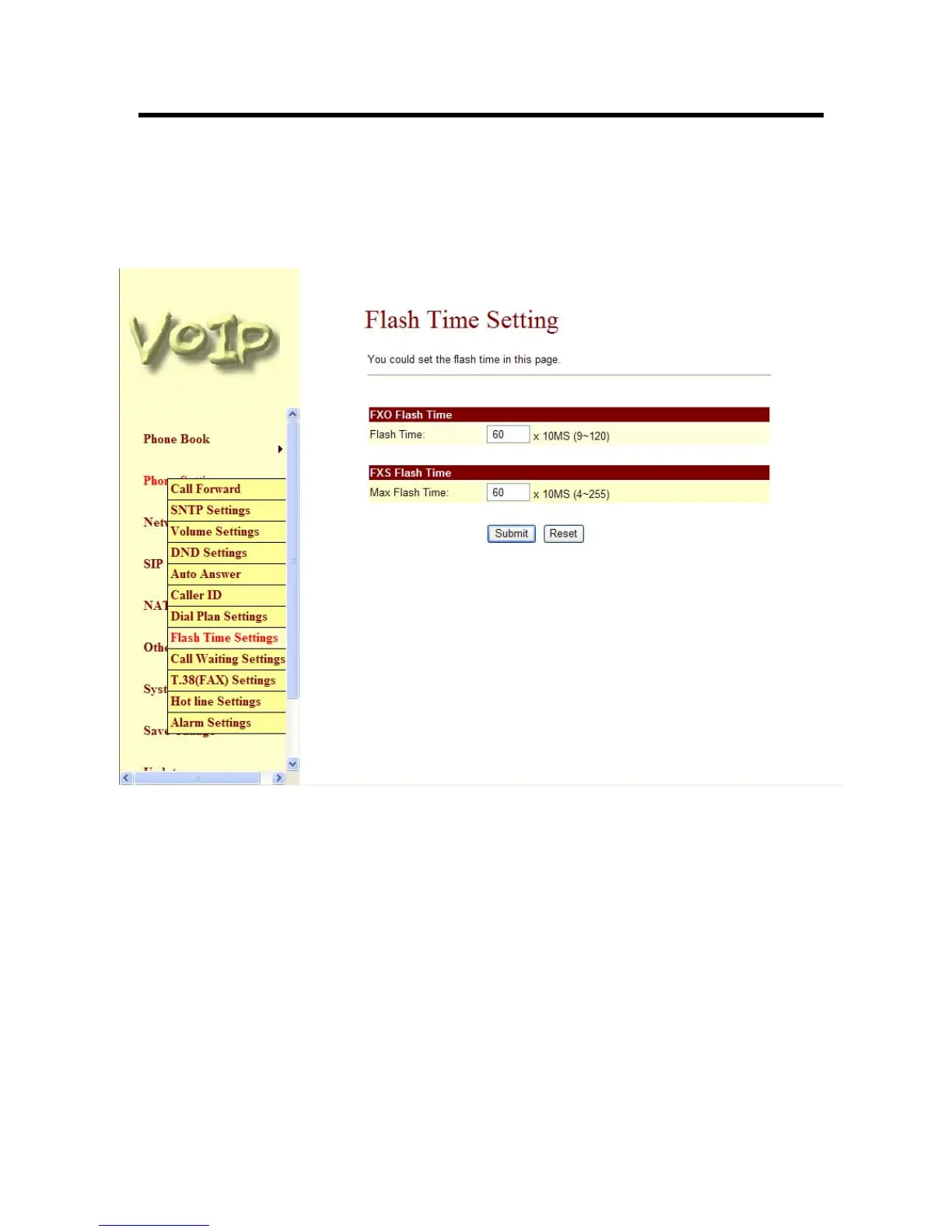
3.4.9 Flash Time Setting function: When you use the PSTN Phone and you need to press the Hook
to do the Flash (Switch to the other phone line or HOLD), this function is for you to set the
time you press the Hook to represent the Flash function. When you finished the setting,
please click the Submit button. If there is nothing need to change, please click the Save
Change Item in the left side, then click the Save button. The change you made will save into
the system and the system will Reboot automatically (Note: Configuration for FXO Flash Time
is only supported in ATA171M).
Figure 9. Flash Time Setting



 To Next Page