ATA-171/172/171P/171M (ATA-S1/S2/P/M)
User’s Guide
49
4.2 Login into the ATA
After finished the setting, click the “Connect” button (looks like a telephone icon). Then the hyper terminal is
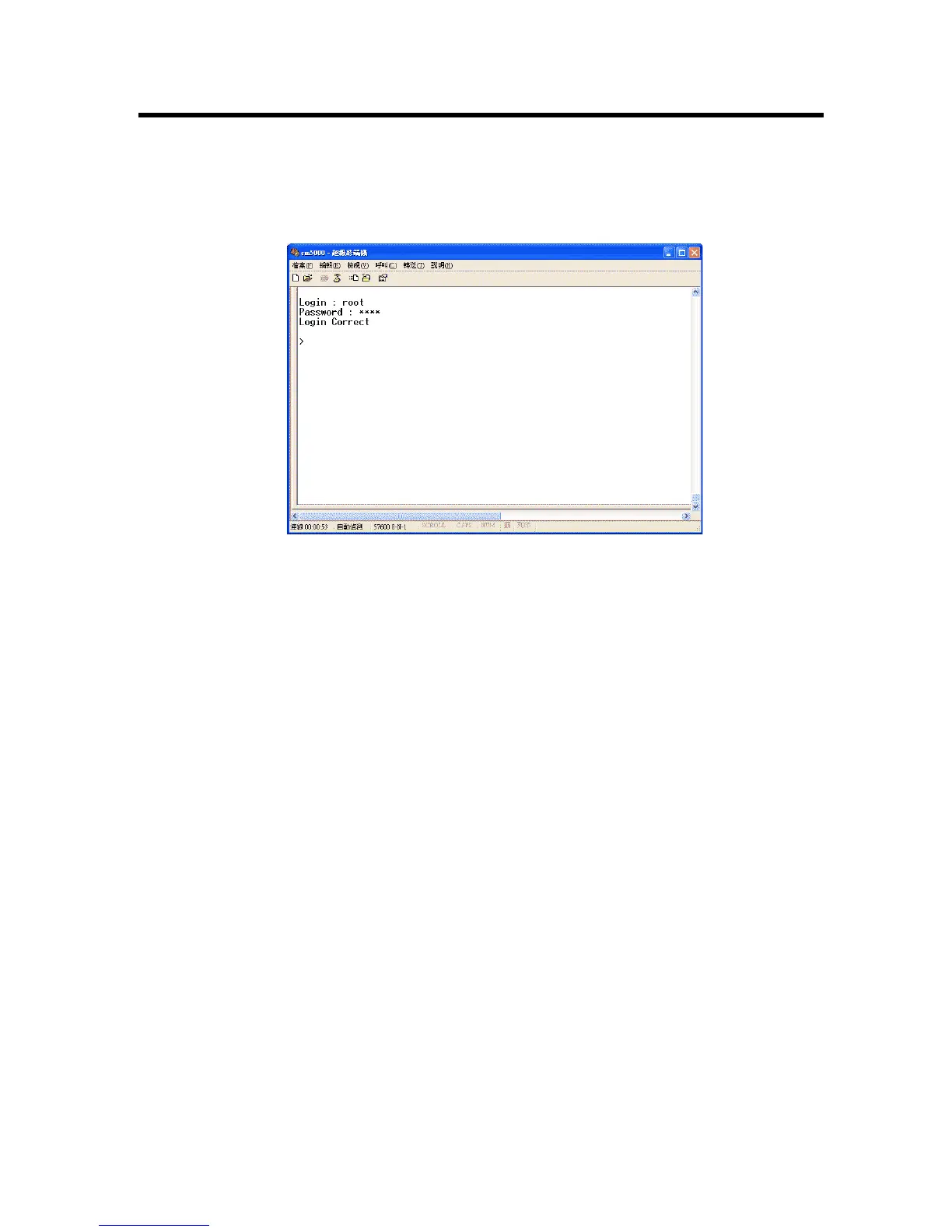
ready to connect to the ATA. Press “Enter” and the hyper terminal will show the “Login: “. Input “root” and
press the “Enter” button. Then hyper terminal will show the “Password: “. Input “test” and press the “Enter”
button. Now you already login the ATA. Please follow the CLI command list to configure the ATA with proper
instruction and value.
Figure 25. Console Screen



 To Next Page