OPERATOR’S!MANUAL!!
+,-.!/H!!
!
!
!
!
!
!
!
!
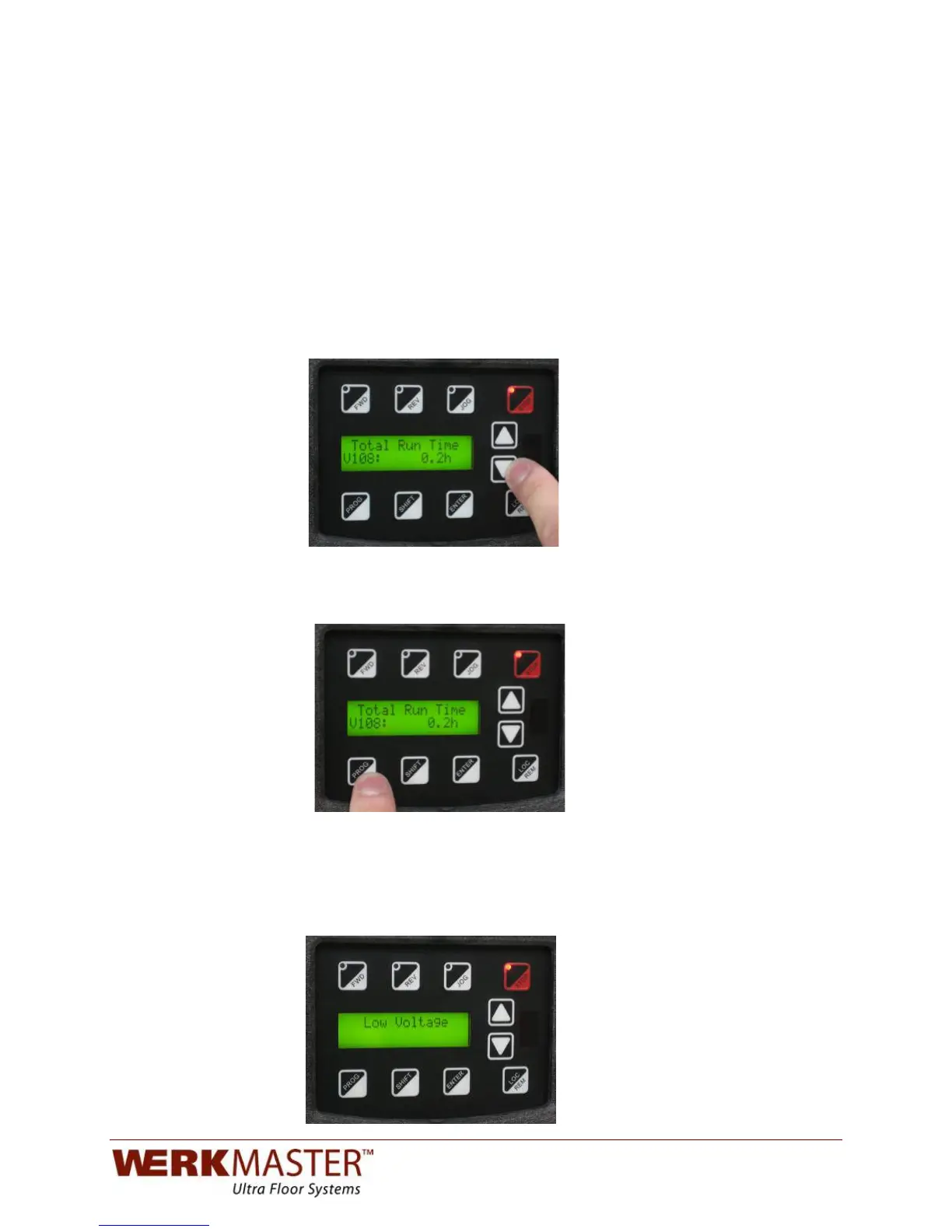
Using the arrow button, scroll down to parameter 108. This parameter displays
the total time that the machine has actually been running. This is useful if you
want to compare the total run time to the total plugged in time. This parameter is
also used for assessing warranty information.
!
!
!
!
!
!
!
!
!
!
!
!
!
To exit the programming menu, press the program (PROG) button. The main
operation screen will appear.
!
!
!
!
!
!
!
!
!
!
!
!
!
When you unplug the machine, the screen will stay lit for a few seconds. As the
VFD drains the power from its internal capacitors, it will display “Low Voltage”
until it turns off. This is normal.
!
!
!
!
!
!
!
!
!
!
!
!


 To Next Page