THE DASHBOARD AT A GLANCE
20
MY CLOUD USER MANUAL
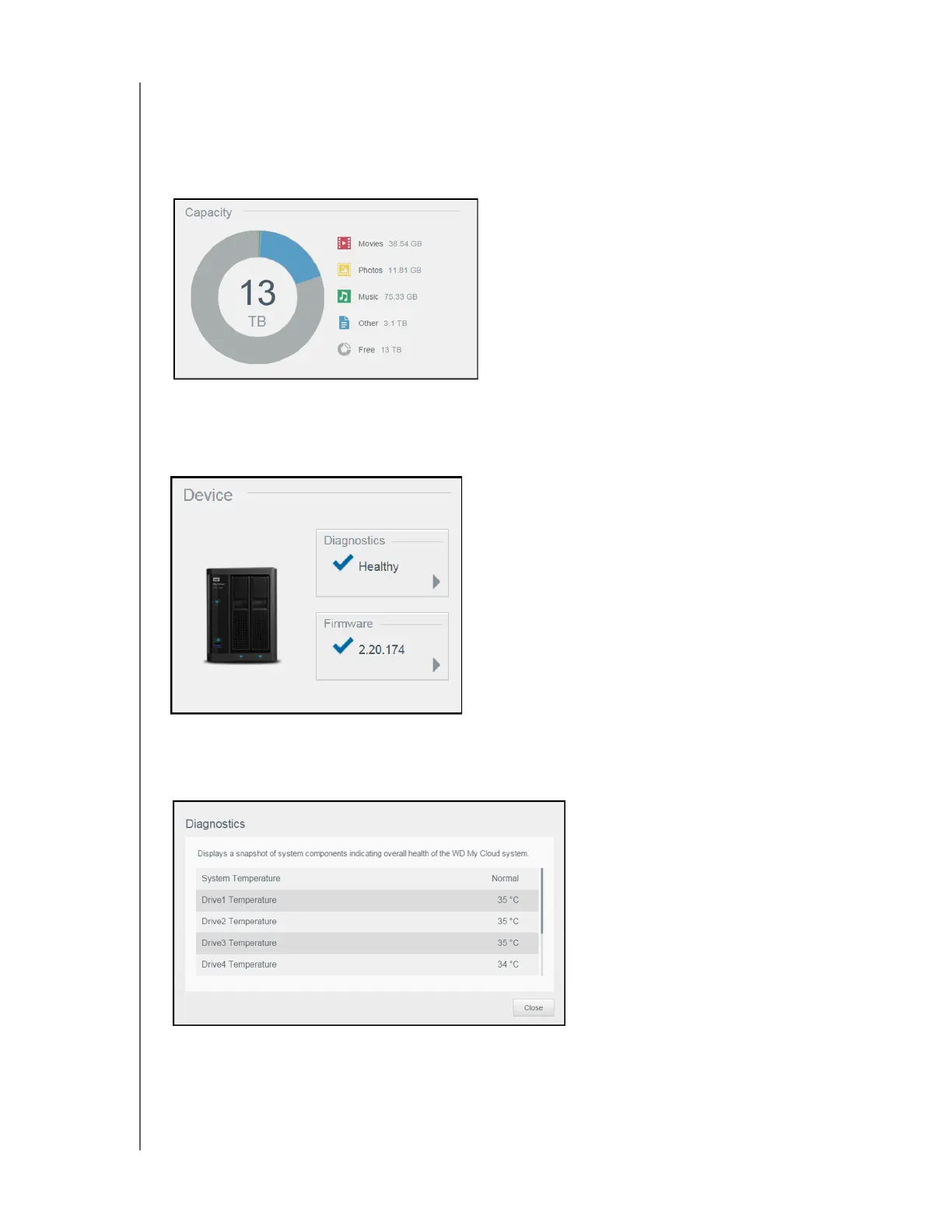
Capacity
The Capacity panel displays the amount of storage remaining on your My Cloud device and how
the storage is allocated.
Note: Storage allocation information only appears when the Cloud Services option is ON.
See
“Cloud Access” on page 71 for steps to enable Cloud Services.
Device
The Device section identifies the overall health of the system, indicates the current version of your
firmware, and informs you when firmware updates are available.
Diagnostics
The Diagnostics section displays a snapshot of the system’s components and identifies the overall
health of the My Cloud device.
1. To see details about the status of system’s components, click the arrow in the Device area.
2. To return to the Home page, click Close.















 To Next Page