MANAGING USERS AND GROUPS
34
MY CLOUD USER MANUAL
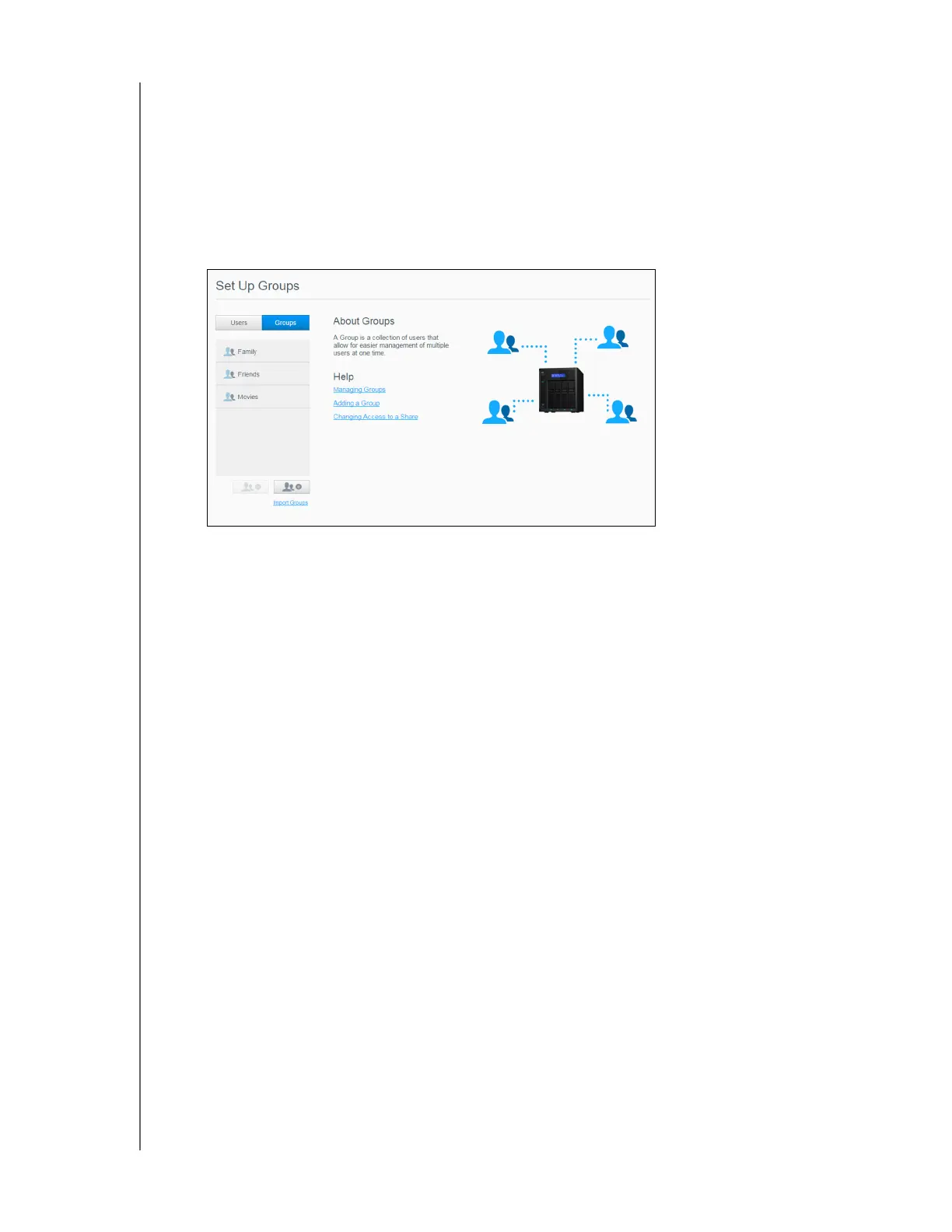
About Groups
A group allows easier management of multiple users. The permissions and privileges you assign to
group accounts determine the actions that can be taken by that group.
Viewing Groups
1. On the Navigation bar, click Users to display the Set Up User screen.
2. Click Groups.
3. To view group details, click a group name on the left pane. The group profile appears.
Adding a Group
1. To add a group, click the Add Group icon on the lower-left side of the Set Up Groups
screen.
2. Enter a Group Name.
3. Click the check box next to the users you’d like to add to your new group, then click Apply.
Editing Group Settings
1. On the Set Up Groups screen, select the group whose information you’d like to edit. The
Group Profile and Share Access panel appears.
2. Modify the required and optional settings as desired then click Apply.
To update the group’s access to shares, see “Assigning Share Access to Groups” on page
35.















 To Next Page