MANAGING SHARES
37
MY CLOUD USER MANUAL
Managing Shares
About Shares
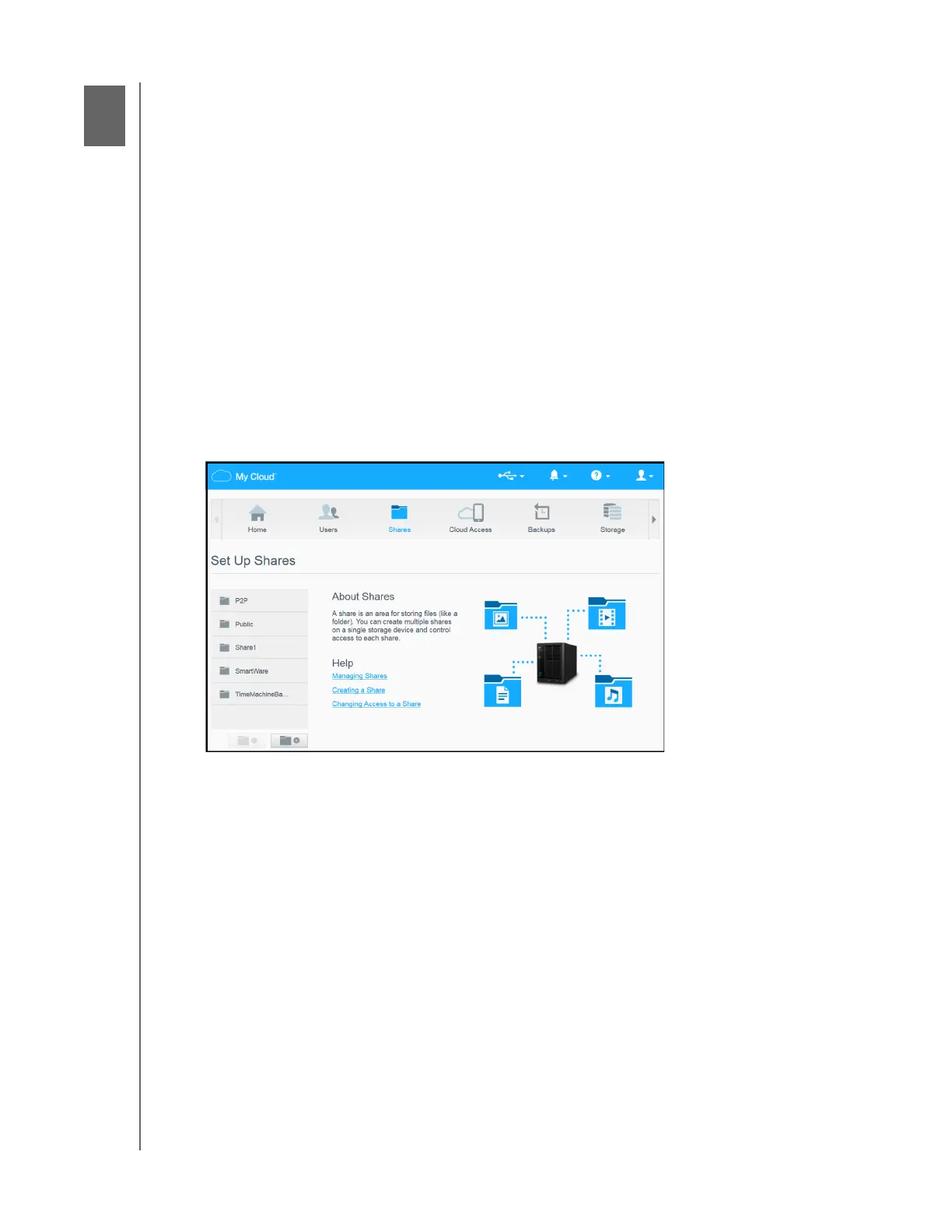
About Shares
A share is an area on the My Cloud device for storing files (similar to a folder or directory).
A share can be public so that all users can access the contents, or private to limit access to selected
users. The Shares icon on the Navigation bar displays a list of shares on the My Cloud device and
enables the Admin to manage shares and user access.
Viewing a List of Shares
Click the Shares icon on the Navigation bar to display a list of shares on the My Cloud device. For
each share name, the description, media serving, and public access status display.
Use the following steps to view a list of shares.
1. On the Navigation bar, click Shares to display the About Shares page.















 To Next Page