PLAYING/STREAMING VIDEOS, PHOTOS, & MUSIC
66
MY CLOUD USER MANUAL
Adding Media Content to the Folders
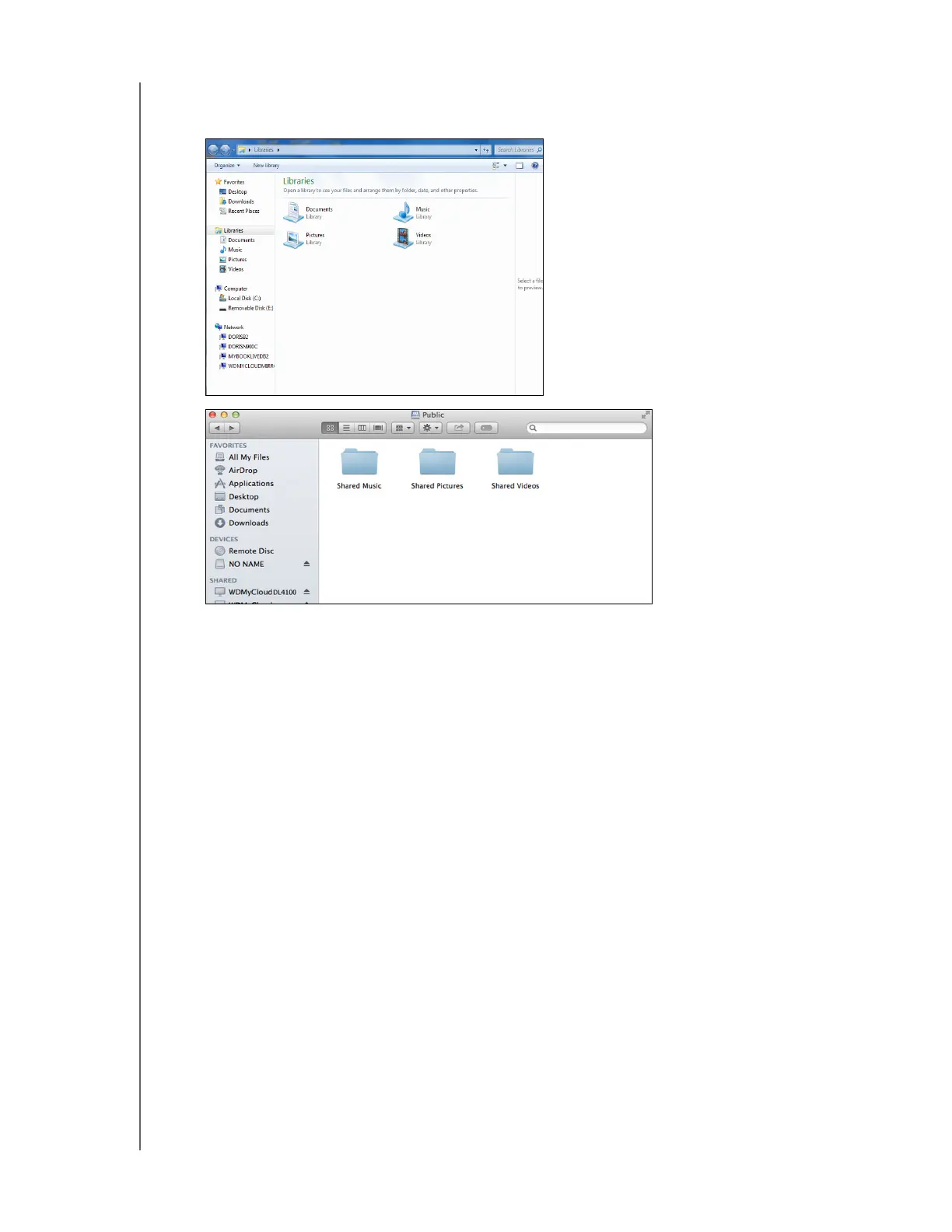
1. Open Windows Explorer or Mac Finder.
2. Navigate to the Shared Music folder on your My Cloud device, then copy your music files to
the Shared Music folder.
3. Follow the same process to place your videos and pictures into their respective Shared
Pictures and Shared Video folders.
Accessing Your My Cloud Device Using Media Players
Now that you have copied your files to one of the Shared folders, you can use a variety of media
players to stream media. The following types are supported:
WD TV
®
Live Media Players
Windows Media Player
Xbox 360
PlayStation 3
Other media players:
- BluRay Players
- Network Connected TVs
- Digital Picture Frames
- Network Music Player
DLNA Devices
Note: For specific information on using and updating the media player, go to the
appropriate support site.















 To Next Page