CONFIGURING SETTINGS
84
MY CLOUD USER MANUAL
Deleting Port Forwarding Services
1. Click Details next to the port forwarding service you’d like to delete.
2. Click Delete. Your Port Forwarding service is deleted and removed from the Port Forwarding
list.
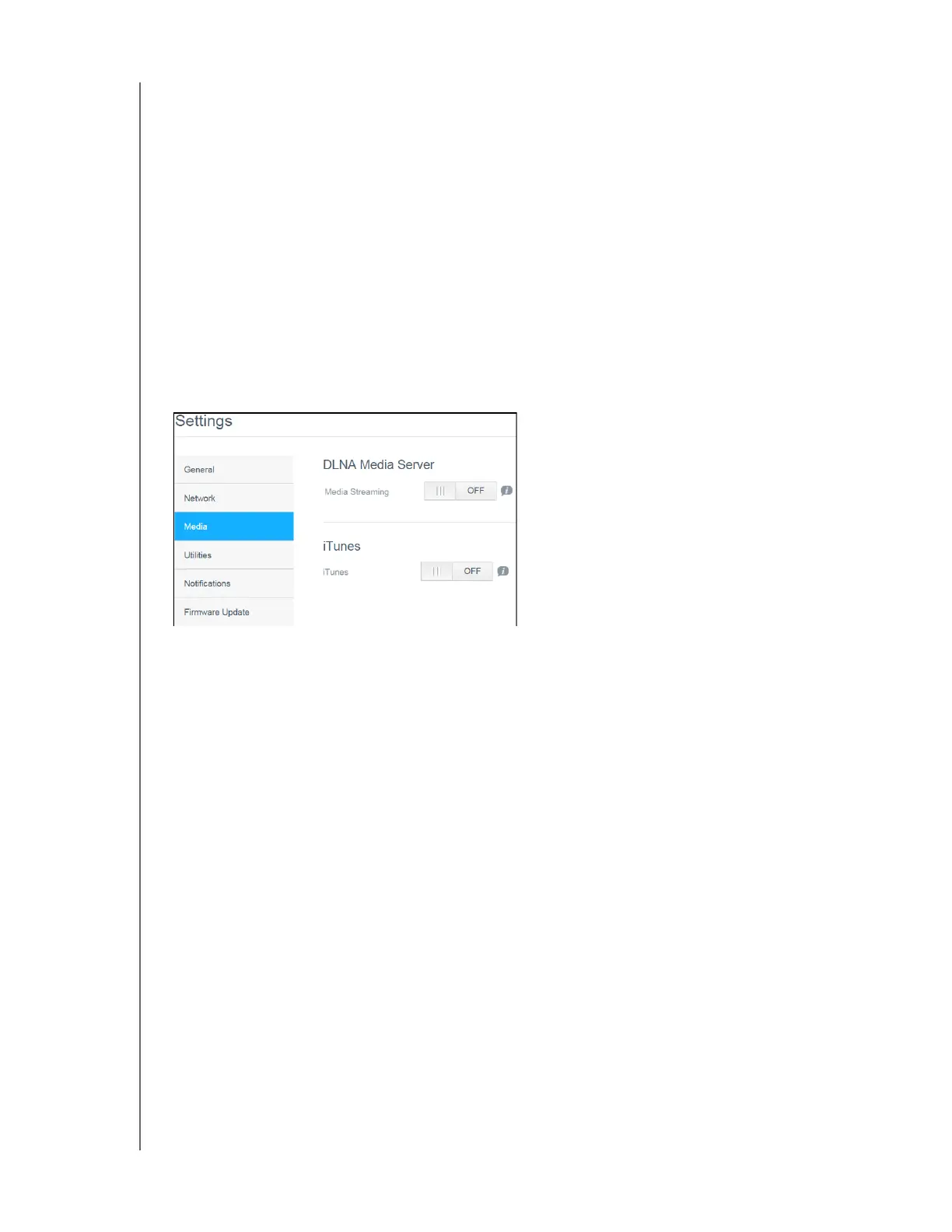
Media
On the Media screen, you can enter DLNA (Digital Living Network Alliance) media server and
iTunes media player settings, so that you can enjoy media in every room in your house.
On the Navigation bar, click the Settings icon, then click Media in the left panel.
Note: DLNA and iTunes only work on your local network.
For instructions on entering media settings on this page and then displaying or streaming media,
see
“Playing/Streaming Videos, Photos, & Music” on page 62.















 To Next Page