CONFIGURING SETTINGS
85
MY CLOUD USER MANUAL
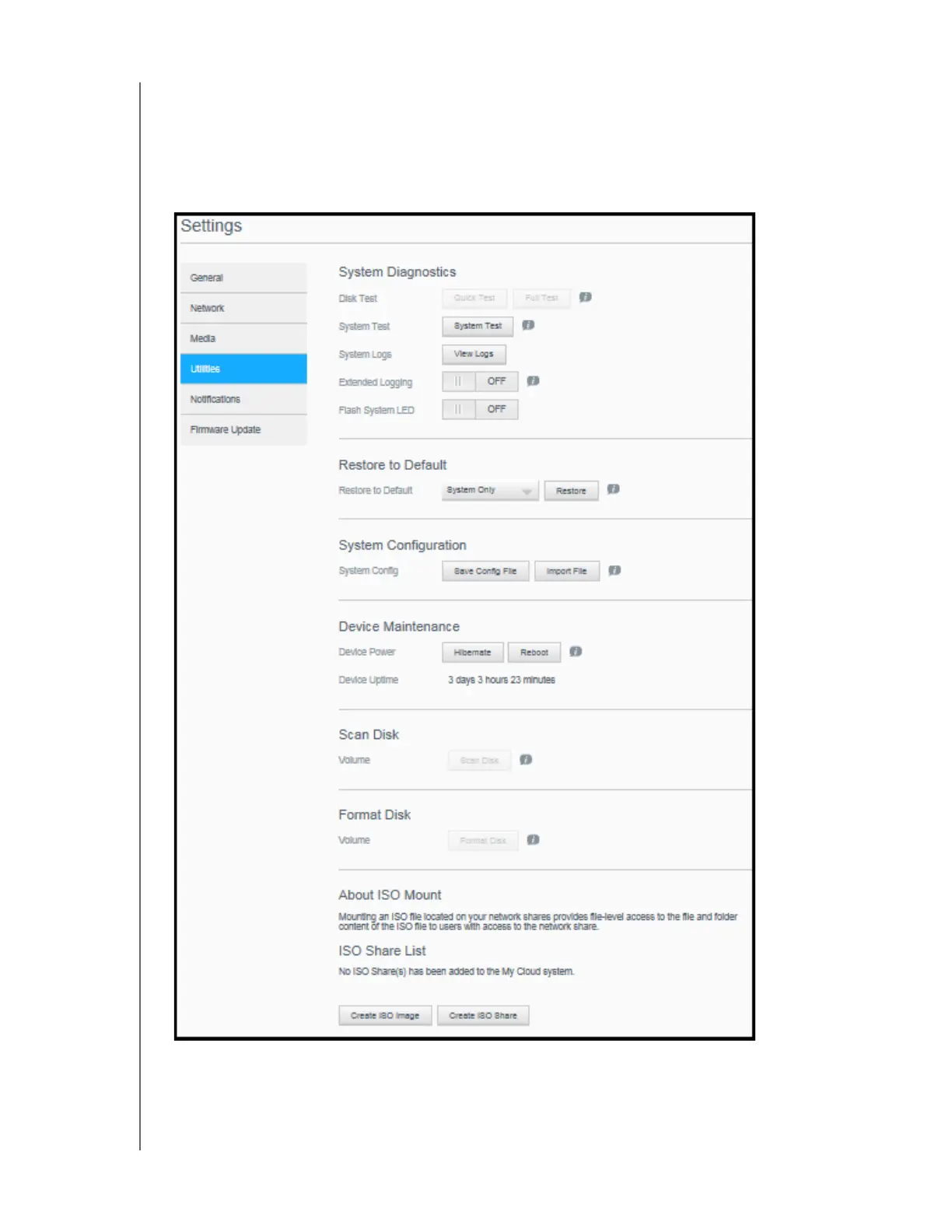
Utilities
On the Utilities page, you can test the My Cloud device and get diagnostic information, restore the
device to factory defaults, reboot or shut down the device, and import or export a configuration
file.
To access the Utilities screen, click the Settings icon and then click Utilities in the left pane.















 To Next Page