For Service Technician Use Only
DIAGNOSTICS & TROUBLESHOOTING
2-16
n
Whirlpool
®
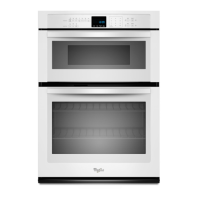
Smart Wall Ovens
Code Description Explanation and Recommended Procedure
F6E0 Oven user interface -
lost communicaon
NOTE: Before starng any test, cycle power to the oven (power o, wait 10 seconds, then power
on).
PROCEDURE: Before proceeding, verify the error code by entering the Diagnoscs Menu and
selecng “Error Diagnoscs”.
1. Unplug the oven or disconnect power.
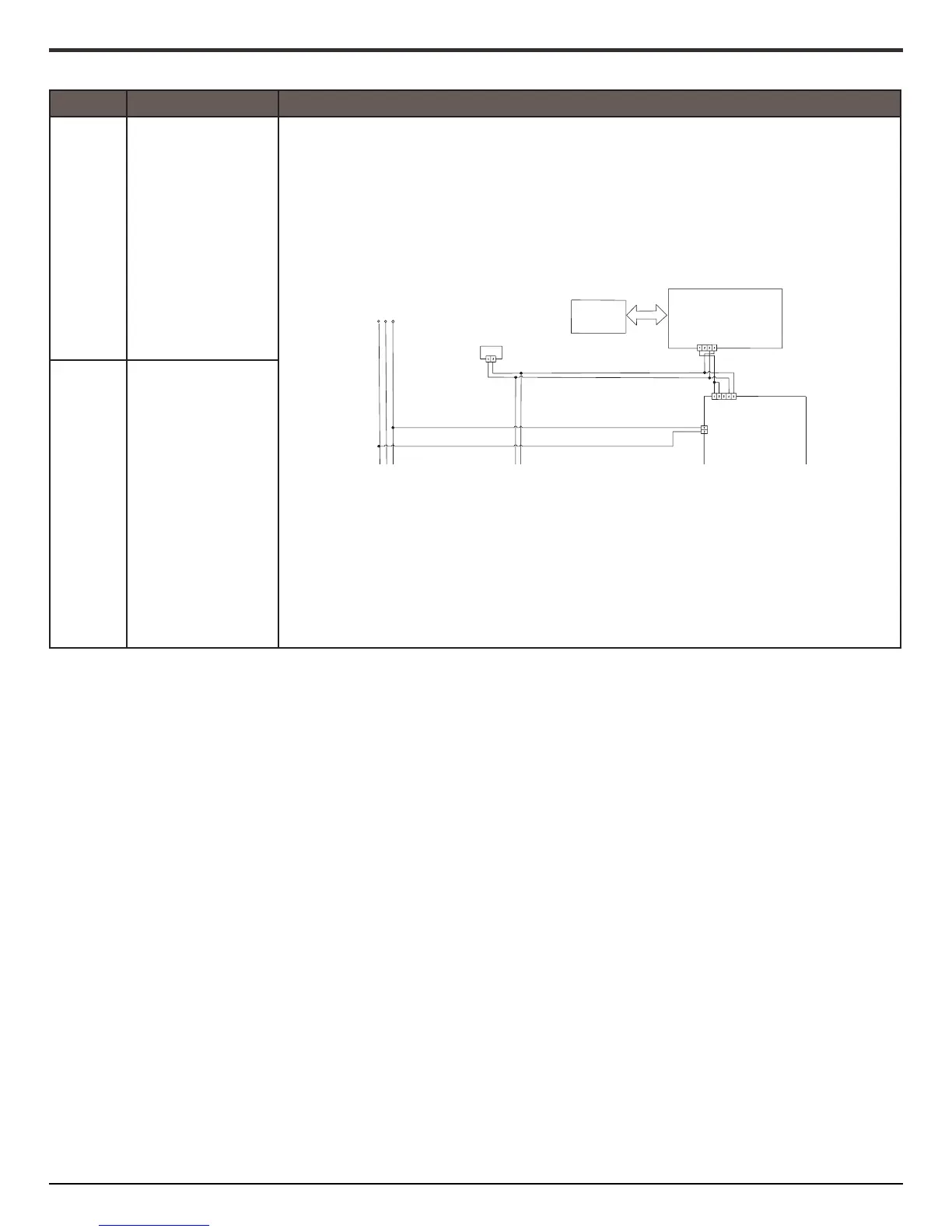
2. Conrm connuity of wiring between HMI-Central/UI board Control Panel Assembly and
ACU. For combo ovens: P1-4 to P1-3 and P1-5 to P1-4 Check for connuity between P1-1 and
P1-2.
3. If connuity has been conrmed, plug in the oven or reconnect power.
4. If the error reappears, open door and check if light is on.
5. If light is o, unplug the oven or disconnect power and replace ACU. If light is on, unplug the
oven or disconnect power and replace HMI-Central/UI board Control Panel Assembly.
6. Reassemble all parts and panels before operang
7. Plug in the oven or reconnect power.
8. Follow the on screen prompts to select the model number.
9. Verify operaon is normal. Enter diagnosc mode to view “Clear History” screen to clear
each fault code.
F6E6 Oven ACU lost
communicaon
2
L1
ACU
YL
OR
Copernicus
BK
WH
J8
GN
RD/WH
EOL
Keypad
J1
User Interface
P1
YL
Win/Power
BR
OR
BR
OR
YL
P1





 To Next Page