26
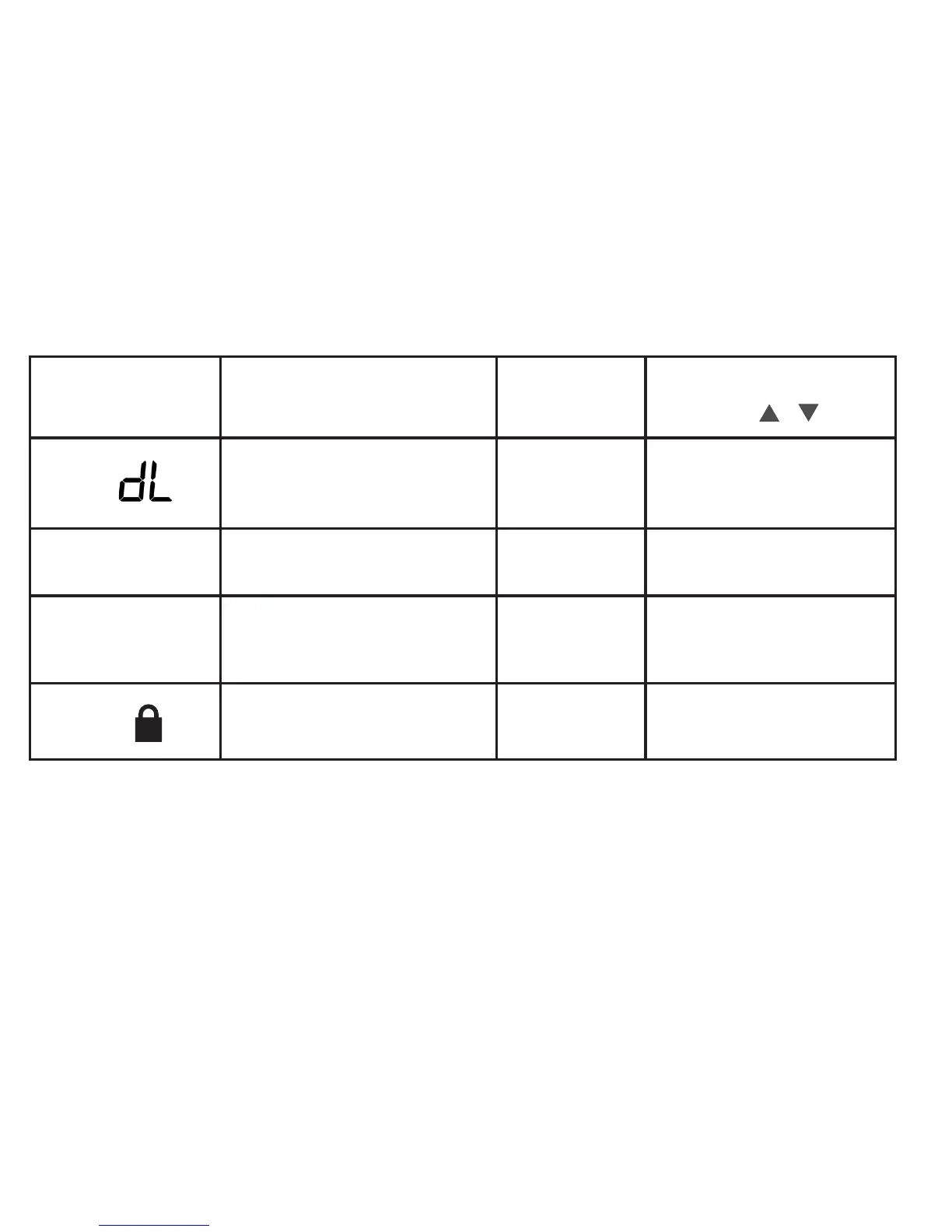
User Menu
(PressMenubuttonand
release)
Description
Default Setting
(flashingicons)
Settings
(Press or )
05
Continuous Display Light: keep
thebacklightalwayson–“C”wire
required
OFF
On – always on
OFF – momentarily
06
Change Air Filter: set up a monthly
reminder
OFF
1 to 12 – reminder time months)
OFF–nolterreminder
07
Auto-Changeover: thermostat
automatically switches between heat
and cool
OFF
On-enableauto
OFF-disableauto
08
Keypad Lock:preventunwanted
changes to the thermostat
OFF
On – disable buttons
OFF–allbuttonsareactive












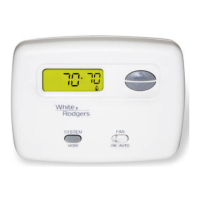


 To Next Page