28
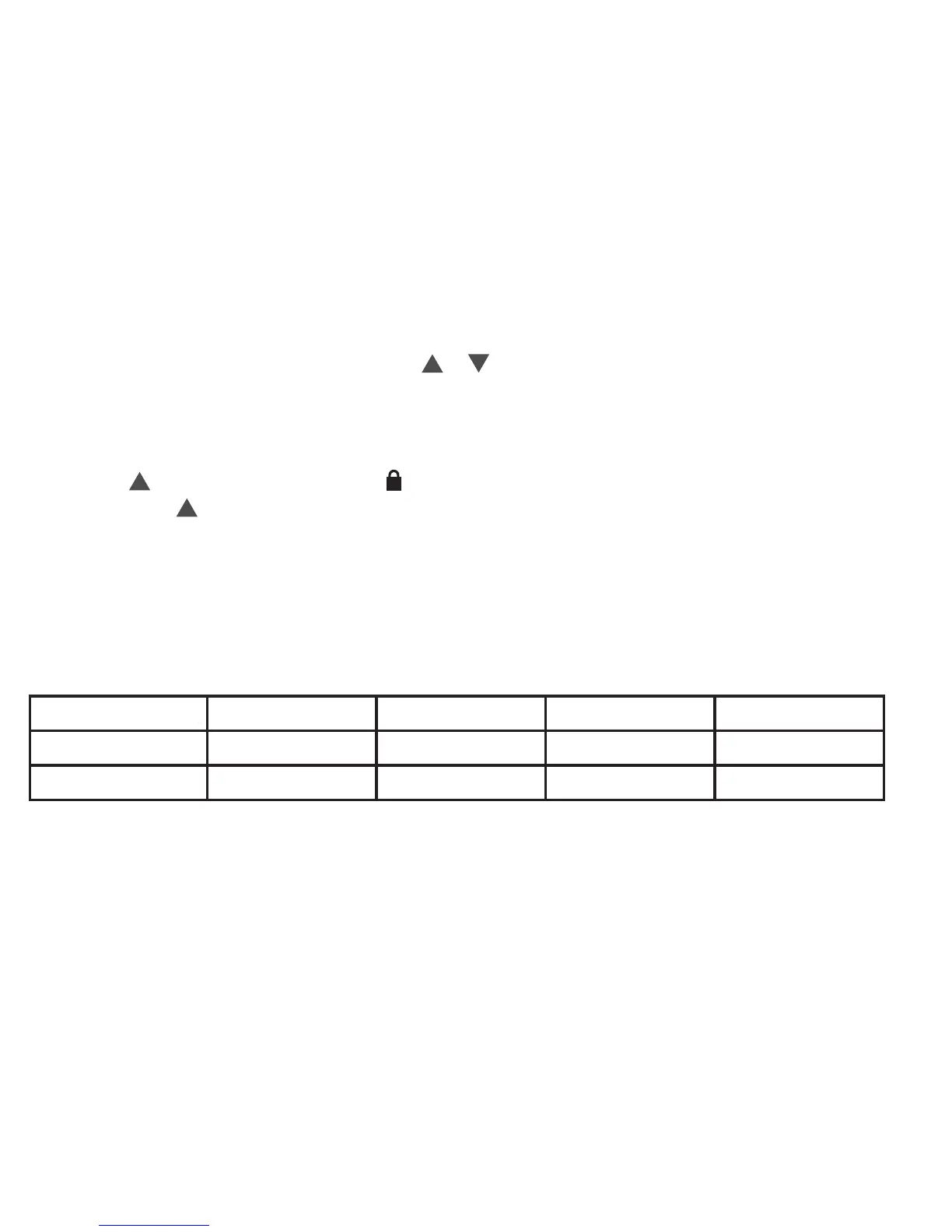
• Program Override (Temporary Hold)–Press or until the desired temperature is displayed.
Thethermostatwilloverridethescheduleuntilthenextprogrammedtimeperiodwithaminimumoverrideof
2hours.Thenthethermostatwillautomaticallyreverttotheprogram.
• Keypad Lockout–Topreventunwantedchanges,thebuttonscanbedisabled.ToturnthisfeatureOn,press
and hold and the Menu button until the iconappears(thiscanalsobeturnedoninthemenu).ToturnOff,
press and hold and the Menubuttonfor3seconds.
6.3 Thermostat schedule
Energy Saving Factory Schedule
Thisthermostatisprogrammedwiththeenergysavingsettingsshowninthetablebelowforalldaysoftheweek.
Wake Leave Return Sleep
Heating Schedule 6:00AM-70°F 8:00AM-62°F 5:00PM-70°F 10:00PM-62°F
Cooling Schedule 6:00AM-75°F 8:00AM-83°F 5:00PM-75°F 10:00PM-78°F
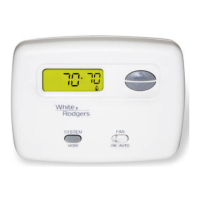
Note: Thermostat can be programmed on or off the subbase














 To Next Page