EasyManua.ls Logo

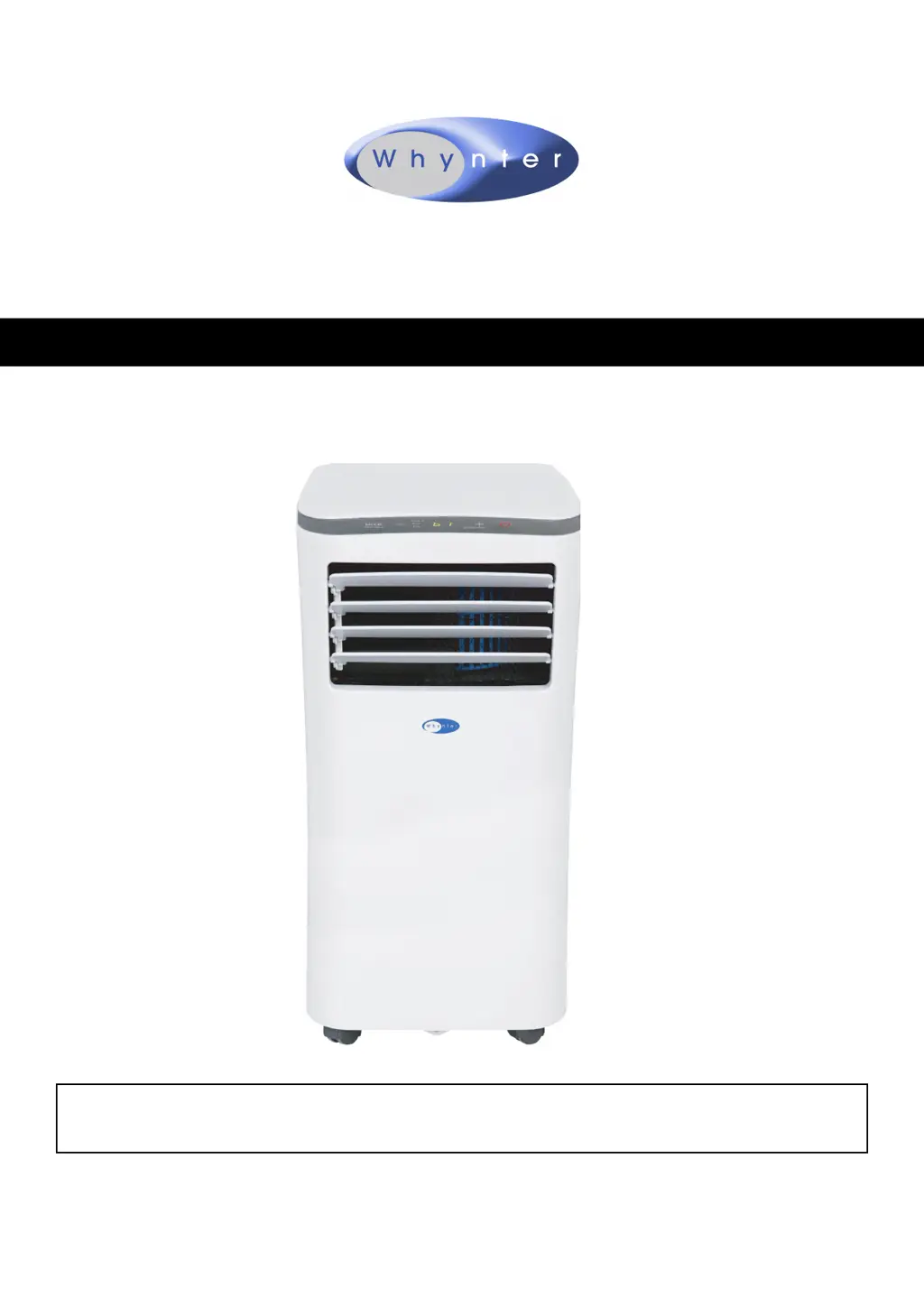
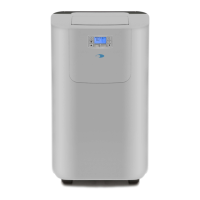
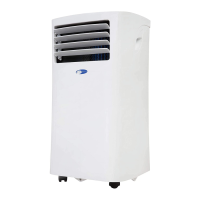
Whynter ARC-102CS - User Manual

Whynter ARC-102CS
24 pages
Print Icon
To Next Page IconTo Next Page
Loading...
Congratulations on your new Whynter product. To ensure proper operation, please read this Instruction Manual carefully before
using this product. Keep this manual in a safe place for future reference.
Model # : ARC-102CS
INSTRUCTION MANUAL
Whynter 10,000 BTU Portable Air Conditioner Compact Size

Questions and Answers

  • D
    Dana DelacruzNov 19, 2025
    Why is my Whynter ARC-102CS's fan running but not cooling?
    • H
      Hector WilsonNov 19, 2025
      If your Whynter air conditioner's fan is running but not cooling, consider the following: * **Room Temperature:** The unit is designed to work in ambient temperatures of 63°F to 90°F. * **Cooling Mode:** Ensure that the Cooling mode is activated by pressing the MODE button until the COOL light is displayed. * **Compressor Delay:** Allow the compressor 3 minutes to turn on after selecting the Cooling mode. * **Set Temperature:** Lower the set temperature; it's recommended to set it at least 5°F below the ambient temperature. * **Full Water Reservoir:** If ‘P1’ is displayed, manually drain the water by removing the drain plug or allow the unit to exhaust the water itself by running the fan-only mode. Then cooling will resume. * **Loose Internal Connection:** Contact Whynter for ...
  • J
    Jared VargasNov 24, 2025
    Why is my Whynter ARC-102CS not cooling but the fan is running?
    • J
      Jay PughNov 24, 2025
      If your Whynter air conditioner turns on, but the compressor doesn't, and the fan runs without cooling, it could be due to several reasons. First, ensure that the room temperature is within the unit's operational range of 63°F to 90°F. Check if the Cooling mode is activated by pressing the MODE button until the COOL light appears. Give the compressor 3 minutes to turn on after selecting Cooling mode, as there may be a time delay. Also, make sure the set temperature isn't too high; it's recommended to set it at least 5°F lower than the ambient temperature. Lastly, check if the internal water reservoir is full and ‘P1’ is displayed. If so, drain the water or allow the unit to exhaust it in fan-only mode. If problems persist, contact Whynter for service, as there may be a loose internal conne...

Summary

Safety Precautions

Safety Compliance

Discusses compliance with safety regulations for unit operation and handling.

Installation Guide

Preparation and Design

Details initial setup steps and design considerations for the air conditioner.

Environment and Hose Setup

Covers ambient temperature, location, energy rating, and exhaust hose installation.

Air Filter and Water Drainage

Explains air filter maintenance and water drainage methods for proper functioning.

Window Kit Installation

Guides on installing the window kit for effective exhaust venting and operation.

Control Panel and Remote

Control Panel Overview

Explains the functions of buttons and displays on the unit's control panel.

Remote Control Operation

Details how to install batteries and use the remote control for unit operation.

Operation Modes

Cooling and Dry Modes

Describes how to use the air conditioner for cooling and dehumidifying functions.

Fan Mode and Timers

Details fan-only mode, timer functions, sleep mode, and auto-restart features.

Maintenance and Troubleshooting

Maintenance Procedures

Outlines steps for cleaning air filters, the unit, and proper storage.

Troubleshooting Common Issues

Provides solutions for common problems like unit not turning on or not cooling.

Warranty Information

Limited Warranty Details

Outlines the terms and conditions of the product's limited warranty.

Whynter ARC-102CS Specifications

General IconGeneral
BrandWhynter
ModelARC-102CS
CategoryAir Conditioner
LanguageEnglish

Related product manuals