EasyManua.ls Logo

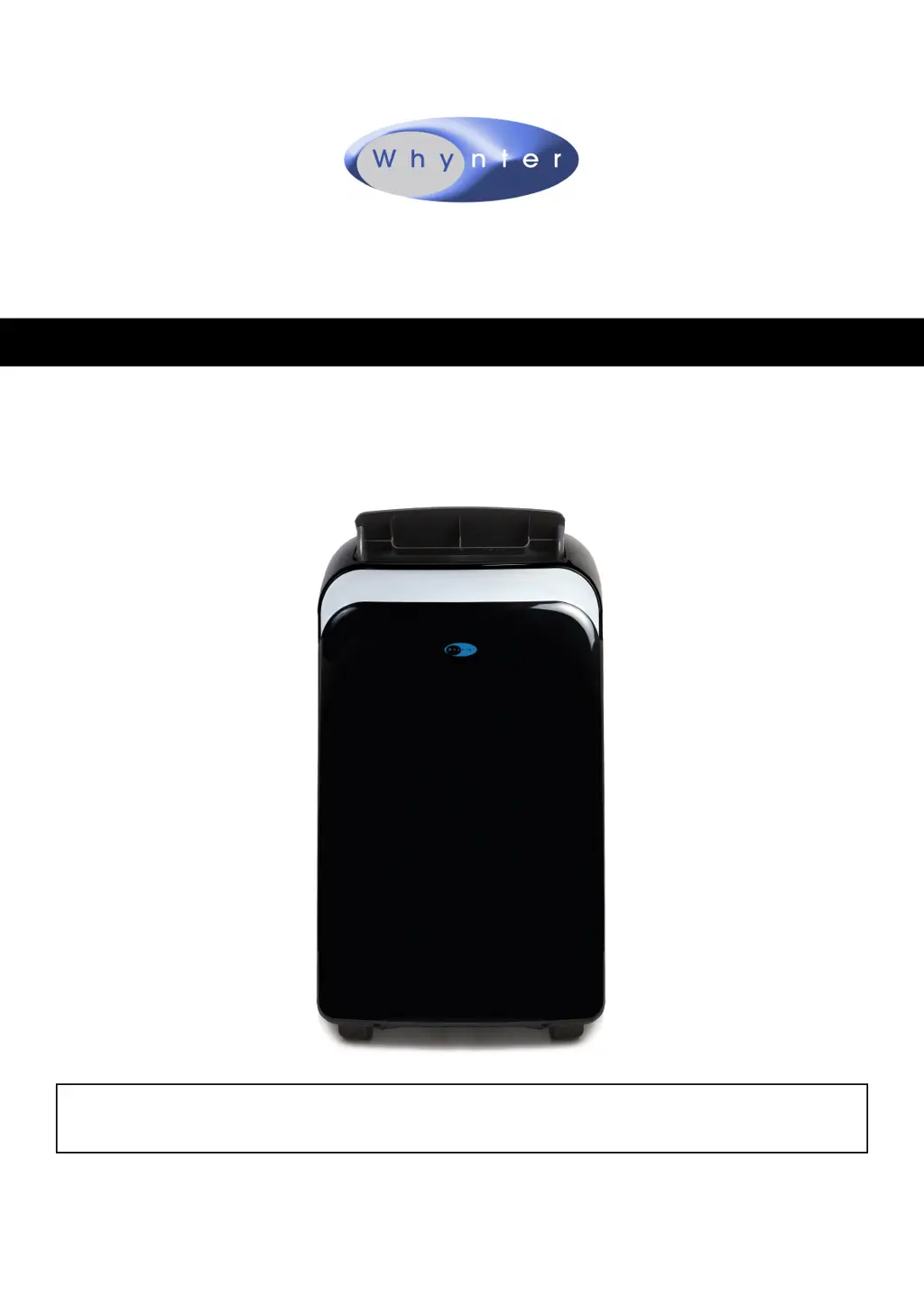
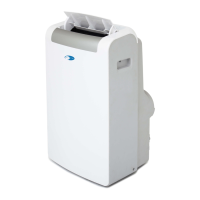
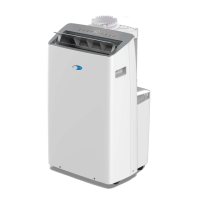
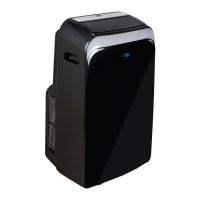
Whynter ARC-126MDB - User Manual

Whynter ARC-126MDB
18 pages
Print Icon
To Next Page IconTo Next Page
Loading...
Congratulations on your new Whynter product. To ensure proper operation, please read this Instruction Manual carefully before
using this product. Keep this manual in a safe place for future reference.
Model # : ARC-126MDB
INSTRUCTION MANUAL
WHYNTER 12,000 BTU DUAL HOSE PORTABLE AIR CONDITIONER
WITH 3M AND SILVERSHIELD FILTER
V 2019.6.26

Questions and Answers

  • D
    Dylan StoneAug 5, 2025
    How to fix Whynter ARC-126MDB that does not turn on?
    • B
      Bethany HancockAug 6, 2025
      If your Whynter Air Conditioner doesn't turn on, check the following: * Ensure there isn't a power failure or outage. * Check if the automatic switch, line fuse, or breaker has been tripped and restore it. Too many appliances on one circuit can cause this, so move some to another circuit. * Verify the power supply voltage is correct and move the unit to a suitable circuit if it's too low. * Inspect the power cord for damage. If damaged, call for service; only authorized personnel should replace it. * Check the L.C.D.I. power plug and press the Reset button. * Drain the water if the internal reservoir is full and ‘P1’ appears on the display. * If none of these solutions work, there may be a loose internal connection; contact Whynter for service.
  • J
    Joanna WestAug 11, 2025
    Why is my Whynter Air Conditioner running but not cooling?
    • A
      Adam FarmerAug 11, 2025
      If your Whynter Air Conditioner is running but not cooling, consider these possibilities: * The room temperature might be outside the unit's operating range (63°F to 90°F). * The Cooling mode may not be activated. Press the MODE button until the COOL light appears. * The compressor might be on a time delay. Allow 3 minutes for it to start after selecting Cooling mode. * The set temperature could be too high. Lower the temperature setting, ideally at least 5°F below the ambient temperature. * The internal water reservoir might be full, displaying ‘P1’. Drain the water manually or run the fan-only mode to exhaust the water. Cooling will then resume. * If none of these solutions work, there may be a loose internal connection; contact Whynter for service.
  • L
    Lacey OwensAug 17, 2025
    What to do if my Whynter Air Conditioner is not cold enough?
    • A
      Andrea CruzAug 17, 2025
      If your Whynter Air Conditioner isn't cooling the room effectively, check these potential causes: * Ensure all windows and doors are closed. * Consider if there are too many people in the room, requiring additional cooling. * Minimize direct sunlight by closing curtains or blinds. * Evaluate if the room contains heat-producing appliances or a server, which might necessitate additional cooling. * Assess whether the room is too large for the unit's capacity, potentially requiring another air conditioner.
  • J
    Jeremy HernandezAug 23, 2025
    Why is my Whynter ARC-126MDB Air Conditioner so noisy?
    • A
      Angie EspinozaAug 23, 2025
      If your Whynter Air Conditioner is making excessive noise, try the following: * Ensure the unit is placed on a hard, level, and stable surface. * If the surface is uneven, move the unit to a location with a level and hard floor. * Make sure the wall outlet supports the air conditioner's power needs and avoid using an extension cord, as low power voltage can contribute to noise.
  • M
    Marie TorresAug 29, 2025
    Why is my Whynter ARC-126MDB leaking water?
    • R
      Rebecca SantiagoAug 29, 2025
      If your Whynter Air Conditioner is leaking water, check these potential issues: * Ensure the unit is leveled. * Drain the water from the drain plug at the back of the air conditioner if the water tank is full.

Summary

Disposal Information

Safety Precautions

Introduction and Technical Data

Parts Identification

Front View Parts

Identifies components visible on the front of the air conditioner unit.

Back View Parts

Identifies components visible on the back of the air conditioner unit.

Parts Identification

Accessory Identification

Lists all included accessories with images and quantities.

Leakage-Current Detection and Interruption (LCDI)

Explains the function and usage of the LCDI plug for safety.

Control Panel Overview

Power and Sleep Buttons

Explains the function of the Power and Sleep buttons on the control panel.

Fan Speed and Mode Buttons

Explains how to adjust fan speed and change operating modes.

Timer and Swing Buttons

Describes the functionality of the Timer and Swing controls.

LED Display and Error Codes

Details the LED display indicators and common error codes.

Installation: Air Filters and Water Drainage

Air Filter Types and Maintenance

Describes the different air filters and their cleaning requirements.

Water Drainage Methods

Explains manual and continuous water drainage procedures.

Installation: Location and Hose Setup

Proper Unit Placement and Clearance

Guidelines for positioning the air conditioner for optimal performance.

Exhaust and Intake Hose Installation

Instructions for connecting the exhaust and intake hoses to the unit.

Window Kit Installation Basics

Guidance on fitting the window kit to various window types.

Installation: Window Kit Details

Double-Hung Window Kit Setup

Step-by-step instructions for installing the kit in double-hung windows.

Sliding Window;Door Kit Setup

Step-by-step instructions for installing the kit in sliding windows/doors.

Operation Instructions: Modes

Switching Unit On;Off

How to turn the air conditioner on and off using the control panel or remote.

Cooling Mode Operation

Details on using the cooling function, temperature, and fan speed.

Dry (Dehumidifying) Mode

Explanation of the dehumidification mode and its requirements.

Automatic and Fan Only Modes

How to use the automatic and fan-only operational modes.

Operation Instructions: Features

Timer Functions (On;Off)

How to set delayed start or stop timers for the unit.

Sleep Mode and Auto Restart

Explains the sleep mode for quiet operation and auto restart after power loss.

Airflow Control and Noise Levels

How to adjust airflow direction and information about normal operating sounds.

Compressor Lockout and Shortcut Function

Details on compressor protection and the shortcut function.

Remote Control Operation

Installing Batteries and Signal Transmission

How to install batteries and general remote control usage tips.

Remote Control Indicators and Buttons

Explains the function of each indicator and button on the remote control.

Care and Maintenance

Cleaning Air Filters

Instructions for cleaning the unit's various air filters.

Cleaning the Air Conditioner Unit

Guidance on how to clean the exterior of the air conditioner.

End of Season Storage Procedures

Steps for properly storing the unit at the end of the cooling season.

Troubleshooting Common Issues

Unit Does Not Turn On

Solutions for when the portable air conditioner fails to power on.

Unit Turns On, Compressor Does Not

Troubleshooting steps for when the fan runs but cooling does not engage.

Weak Airflow or Low Cooling Output

Addresses issues with reduced airflow or insufficient cooling performance.

Troubleshooting Room Cooling and Noise

Room Not Cold Enough Despite Operation

Solutions for when the room fails to cool adequately.

Unit Is Very Noisy

Explains causes and solutions for excessive unit noise.

Unit Leaks Water or Fan Speed Issues

Addresses water leakage and fan speed adjustment problems.

Warranty Information

Limited Warranty Coverage

Details the terms and duration of the product and compressor warranties.

Warranty Exclusions and Limitations

Lists conditions not covered by the warranty and legal disclaimers.

Whynter ARC-126MDB Specifications

General IconGeneral
Typeportable
Colorfrost white, white
Operating Area Size400 square feet
Cooling Settings1
Seasonally Adjusted Cooling Capacity7694.6 british thermal units
Heaterno
Fan Airflow Rate292 cubic feet per minute
Filterwashable
Hosedual
Remote Controlyes
Wireless Connectivitynone
Timeryes
Sleeping Modeyes
Current11.8 amperes
Depth18.75 inches
Height30.25 inches
Width18.5 inches
Net Weight72.75 pounds

Related product manuals