WI-PMS310GF-Alien-I QSG Page 14 of 21
3. Select the System Configuration / Basic Information menu option
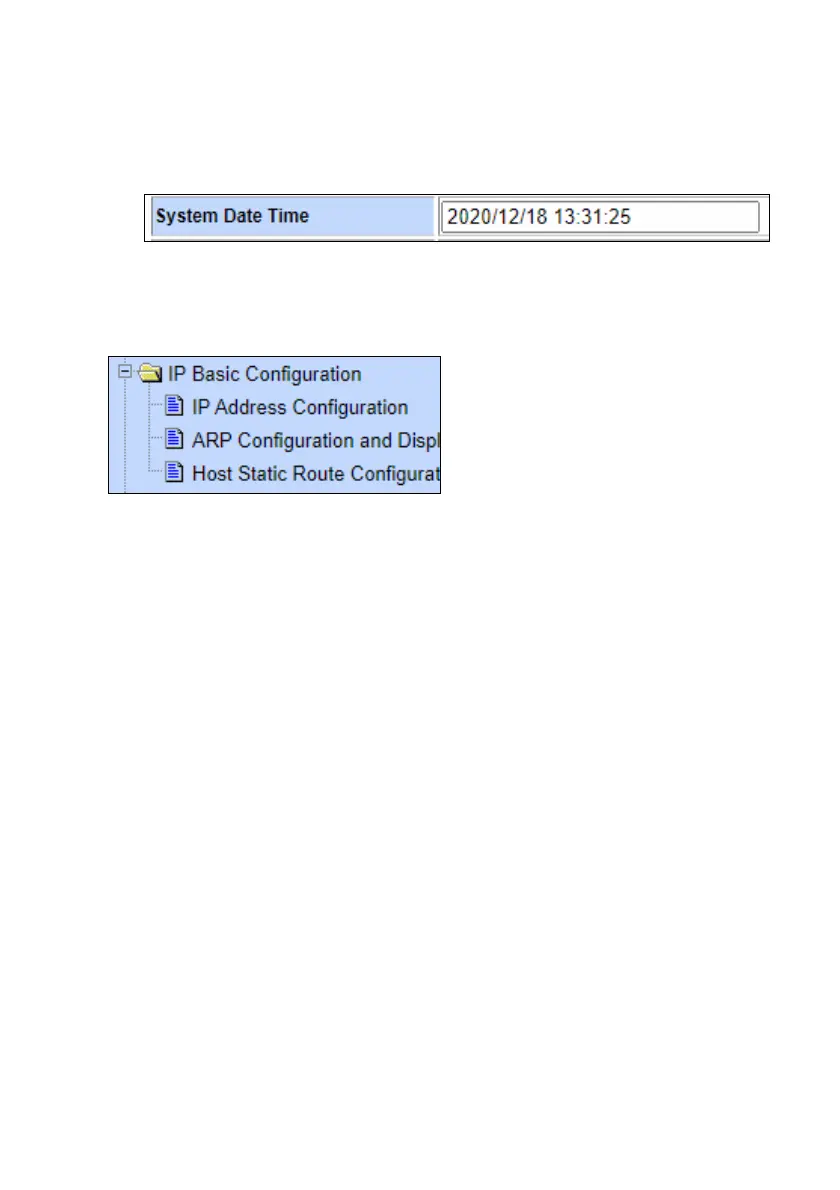
You should see the correct time.
If the time is incorrect, that indicates the Switch is unable to connect to
the Internet. Start by checking the IP Basic Configuration settings to
check the IP address, subnet mask, and default gateway are set
correctly.



 To Next Page