WI-PMS310GF-Alien-I QSG Page 9 of 21
8. Configuration
This section covers some tasks that are not fully covered in the User Manual
(see section Introduction, page13).
8.1 Accessing the Configuration Interface
There are two configuration options:
1. Graphical User Interface (GUI), using an Ethernet connection.
2. Command Line Interface (CLI), using a console cable.
8.1.1. Graphical User Interface
For full details, download this document:
http://www.wireless-tek.com/Uploads/download/1583371174.pdf
When in Factory Reset state, the Switch is set to use the default IP address
of 192.168.0.1.
1. Make sure that your host system is connected via Ethernet
to the Switch.
2. Configure the Ethernet adapter on your host system with a
static IP address in the 192.168.0.x subnet.
e.g. 192.168.0.10
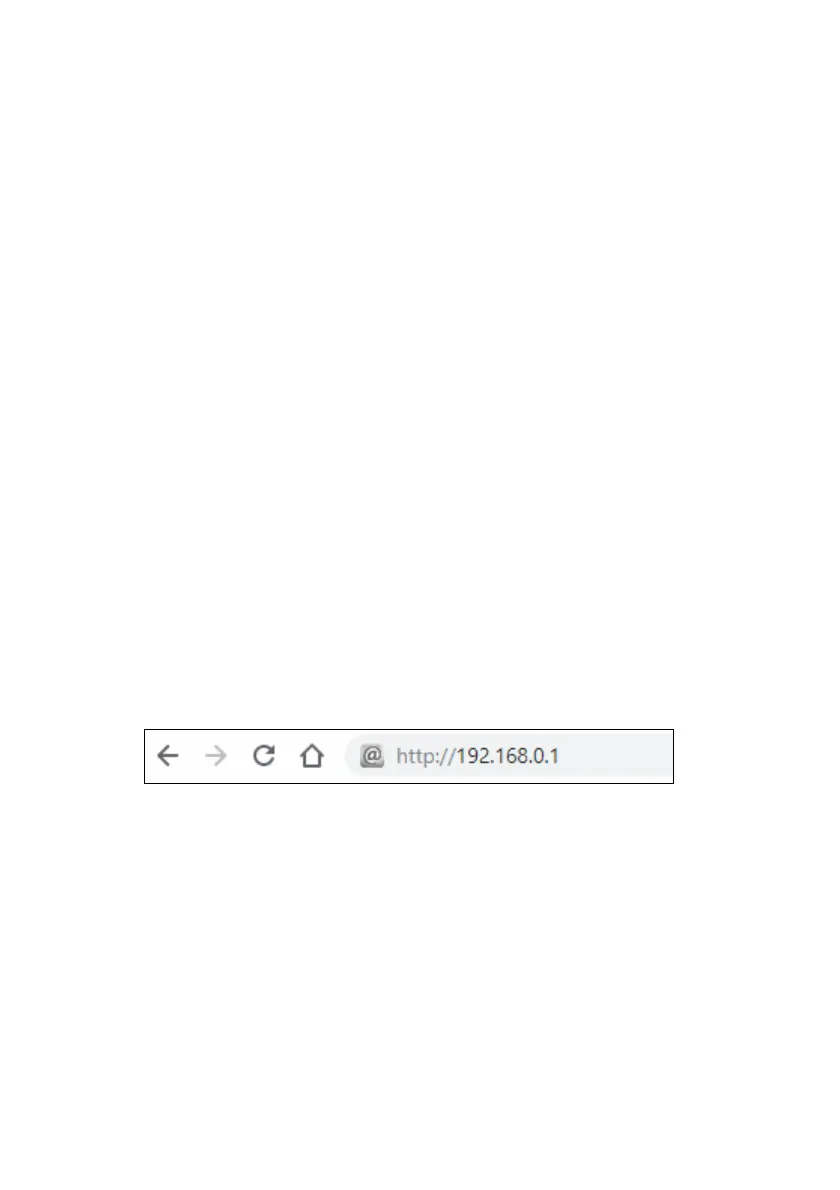
3. Launch your web browser and type http://192.168.0.1
in the address field. Press enter (PC) or return (Mac).



 To Next Page