WI-PMS310GF-Alien-I QSG Page 21 of 21
9. Firmware Update
Firmware updates are available from:
http://www.wireless-tek.com/Support/download
If there is no firmware there for your product, that means there have been no
firmware updates.
9.1 Update using GUI
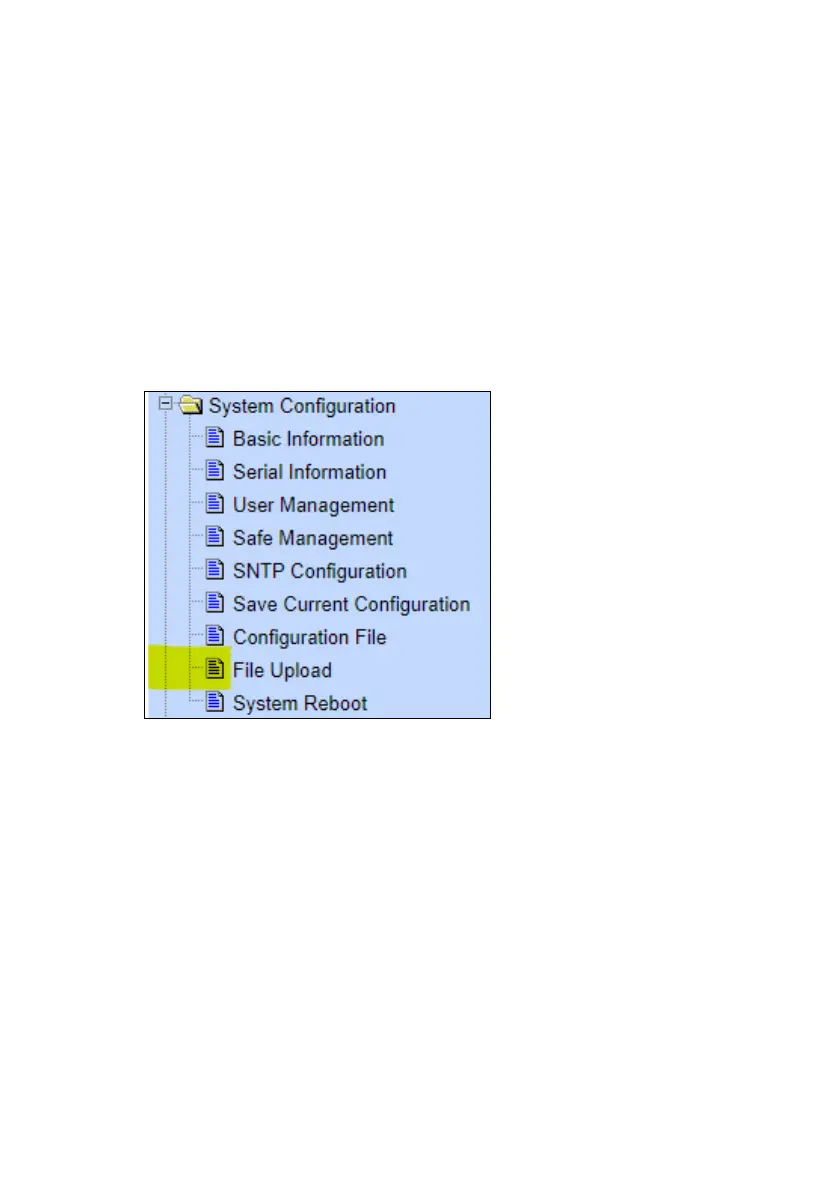
1. Select the IP Basic Configuration / File Upload menu selection.
2. Click Choose file and select the xx.img file downloaded in section
8.7.
3. Click Upload.
4. Wait until you see:
File uploaded successfully, please reset switch.
5. Select the IP Basic Configuration / System Reboot menu selection
6. Click Reboot
9.2 Update using TFTP
See https://ubwh.com.au/documents/WI-TEK_CLI.pdf



 To Previous Page