Включите питание
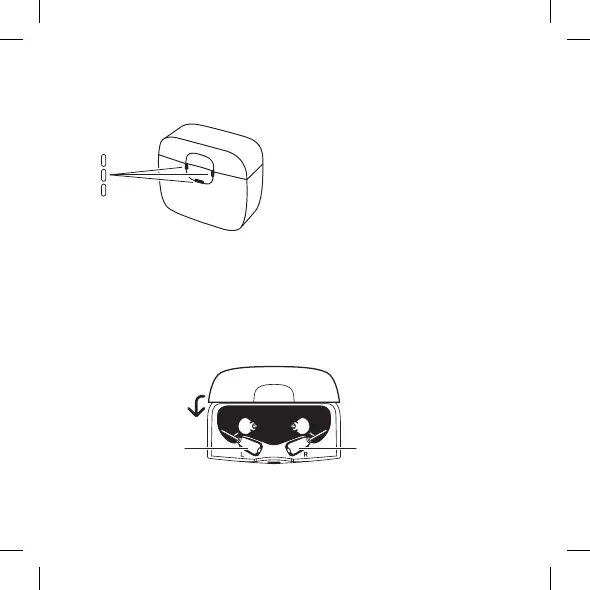
При подключении зарядного устройства к блоку питания световые индикаторы
промигают белым 5 раз, затем выключатся:
8
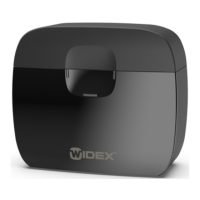
The charger is now in standby mode and ready to charge your hearing aid.
Power on
When the charger is connected to the power supply, the light indicators flash
white 5 times and then turn o:
5X
Right hearing aidLeft hearing aid
Charging the hearing aid
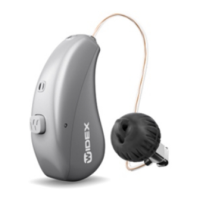
Gently place your hearing aids in their respective charging wells and the
receivers in the maintenance compartment. The hearing aids turn o
automatically. Then close the lid.
Зарядное устройство теперь находится в режиме ожидания и готово к зарядке
слухового аппарата.
Зарядка слухового аппарата
Аккуратно разместите слуховые аппараты в соответствующих зарядных гнез‐
дах, приемники — в отсеке обслуживания. Слуховые аппараты выключатся ав‐
томатически. Закройте крышку.
8
The charger is now in standby mode and ready to charge your hearing aid.
Power on
When the charger is connected to the power supply, the light indicators flash
white 5 times and then turn o:
5X
Right hearing aidLeft hearing aid
Charging the hearing aid
Gently place your hearing aids in their respective charging wells and the
receivers in the maintenance compartment. The hearing aids turn o
automatically. Then close the lid.
Левый слуховой ап‐
парат
Правый слуховой
аппарат
190



 To Next Page