TROUBLESHOOTING
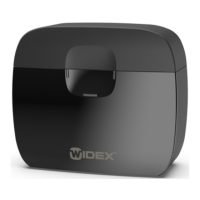
These pages contain advice on what to do if your charger does not work
as expected.
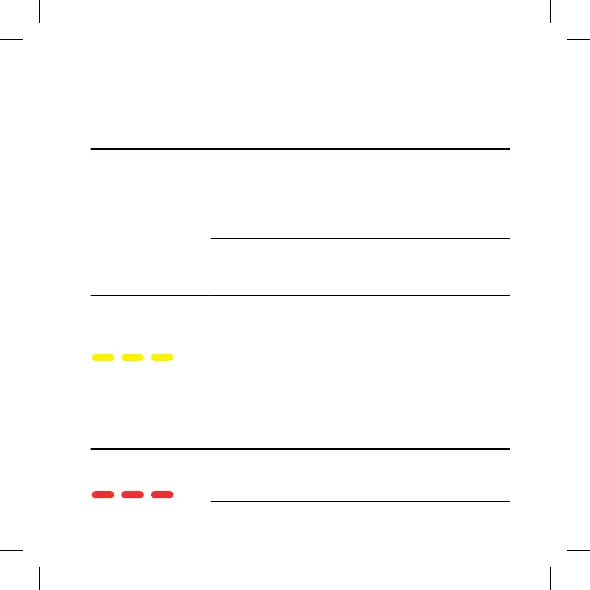
Light indicators Possible cause Solution
No lights The charger is not
connected.
Make sure that the USB
cable is correctly connec-
ted to the charger and
the wall socket using the
included power adaptor.
The hearing aid is not
placed correctly in the
charger.
Place the hearing aid
correctly in the charger.
Right and/or left
indicators flashing
yellow
The temperature of your
surroundings or of the
hearing aid exceeds a
critical limit and the
charging is paused.
The charging will contin-
ue when the temperature
of your surroundings or
the hearing aid has
dropped.
If this happens
continually, find a cooler
place to charge your
hearing aid.
Right or left indica-
tor flashing red
The charger cannot
recognise the hearing aid.
Remove the incompatible
hearing aid.
17



 To Next Page