Elements for operating the machine Chapter 4
Chapter 4Chapter 4
Chapter 4
16.05.17 Working Instructions WIDOS MAXIPLAST Page 17 of 41
4.3.
4.3.4.3.
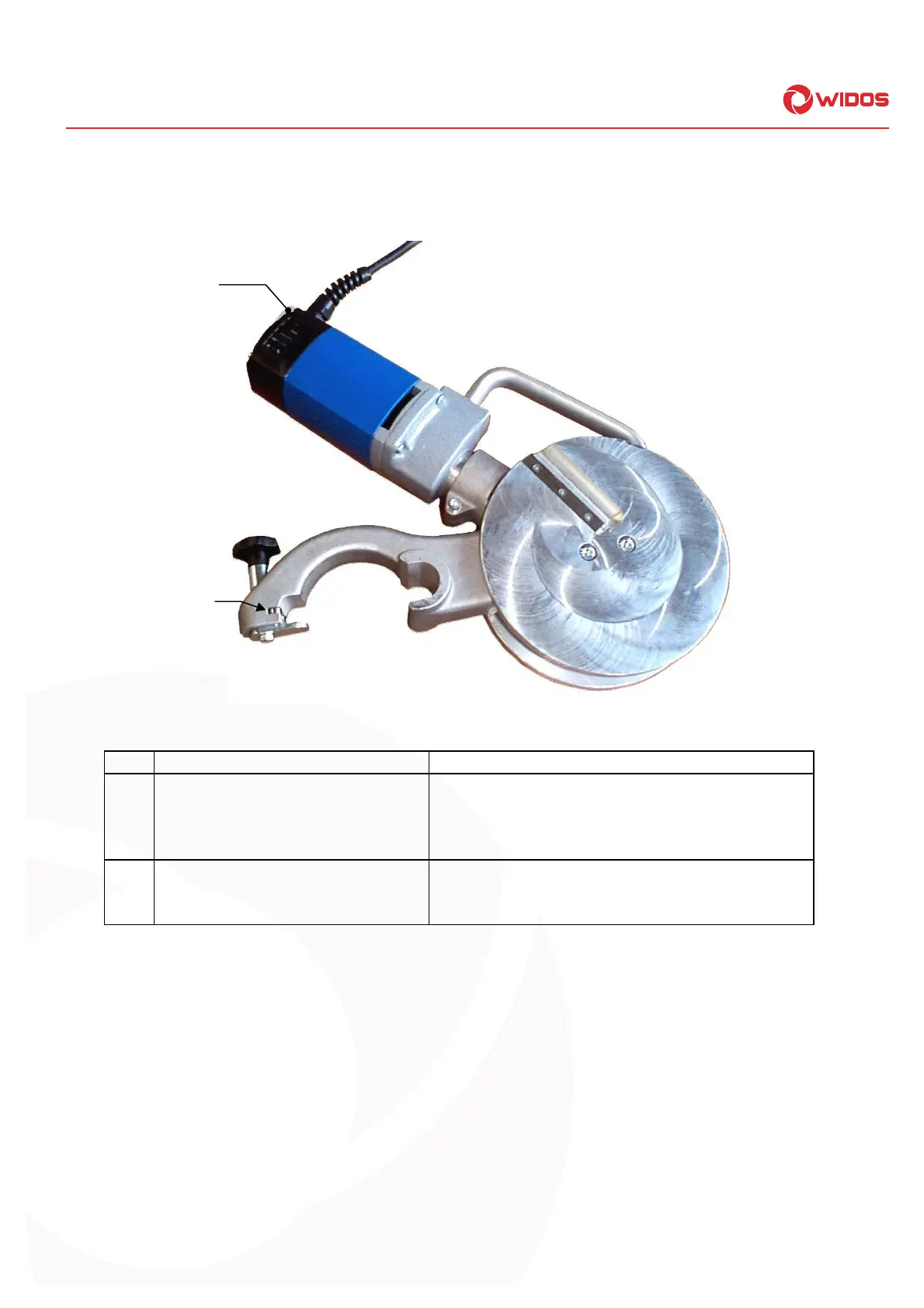
4.3. Element at the planer
Element at the planerElement at the planer
Element at the planer
Nr. Benennung
Nr. BenennungNr. Benennung
Nr. Benennung
Funktion
FunktionFunktion
Funktion
1 Switch on / off for planer - The planer can be switched on via the switch and
the associated adjustment knob.
- The planer has to be switched off before and
after use.
2 Locking with protection switch - protection against unintentional running.
- locking the planer, thus avoiding a falling out.
- planer can only start when switch is pressed.



 To Next Page