14
Basic operations
The following topics outline basic features and operations of your phone.
Home screen and applications (Apps) list
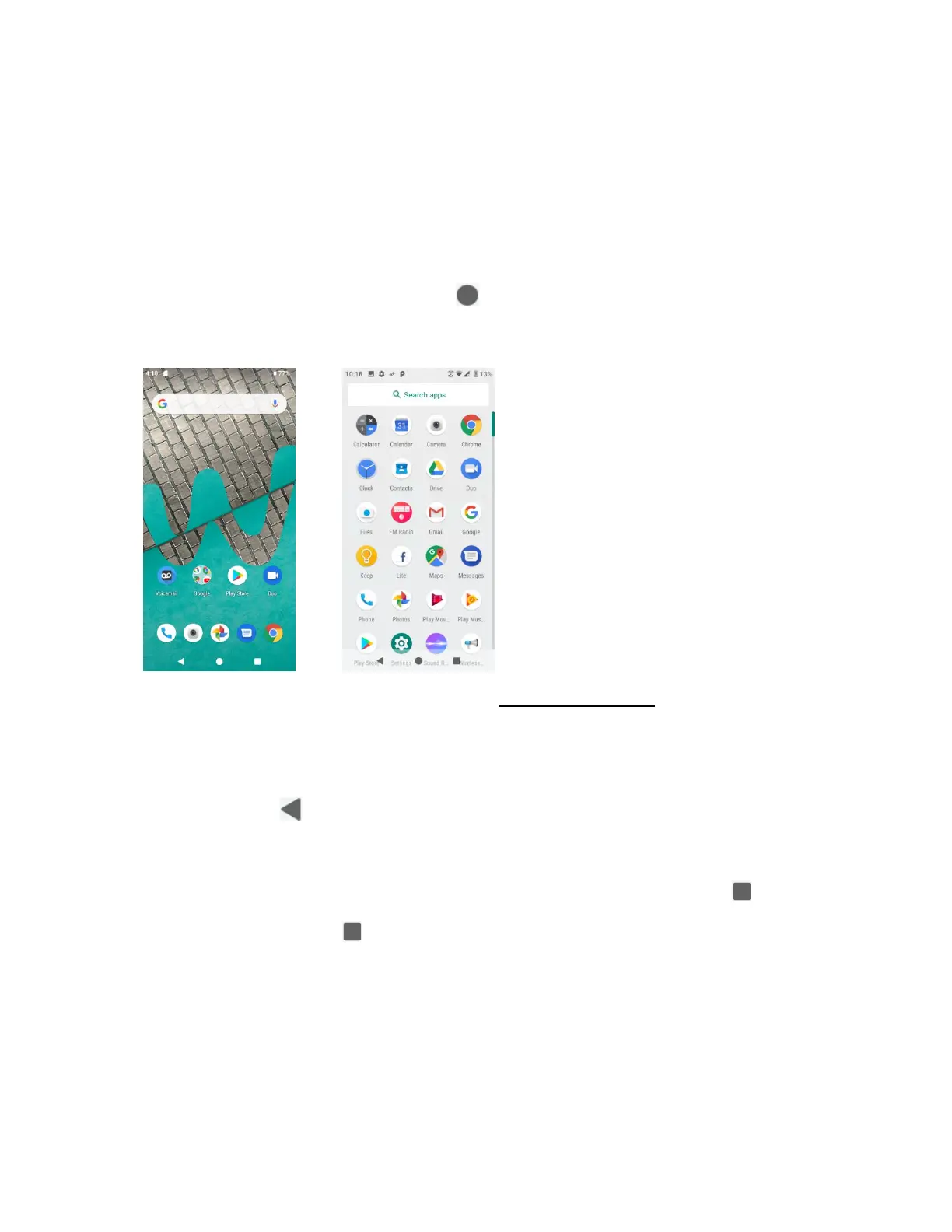
Most of your phone’s operations originate from the home screen or the apps list.
1. From any screen press the Home button to display the home screen.
2. From home, swipe up to access Apps.
For information about using the home screen, see Home screen basics.
Select options and navigate screens
Tap icons, onscreen buttons, and other items to open or activate the assigned function.
• Tap Back button to return to the previous screen.
Recent applications
You can display a list of recently used applications using the Recent Apps button .
• Tap Recent Apps button to view a list of recently used applications.


 To Next Page