15
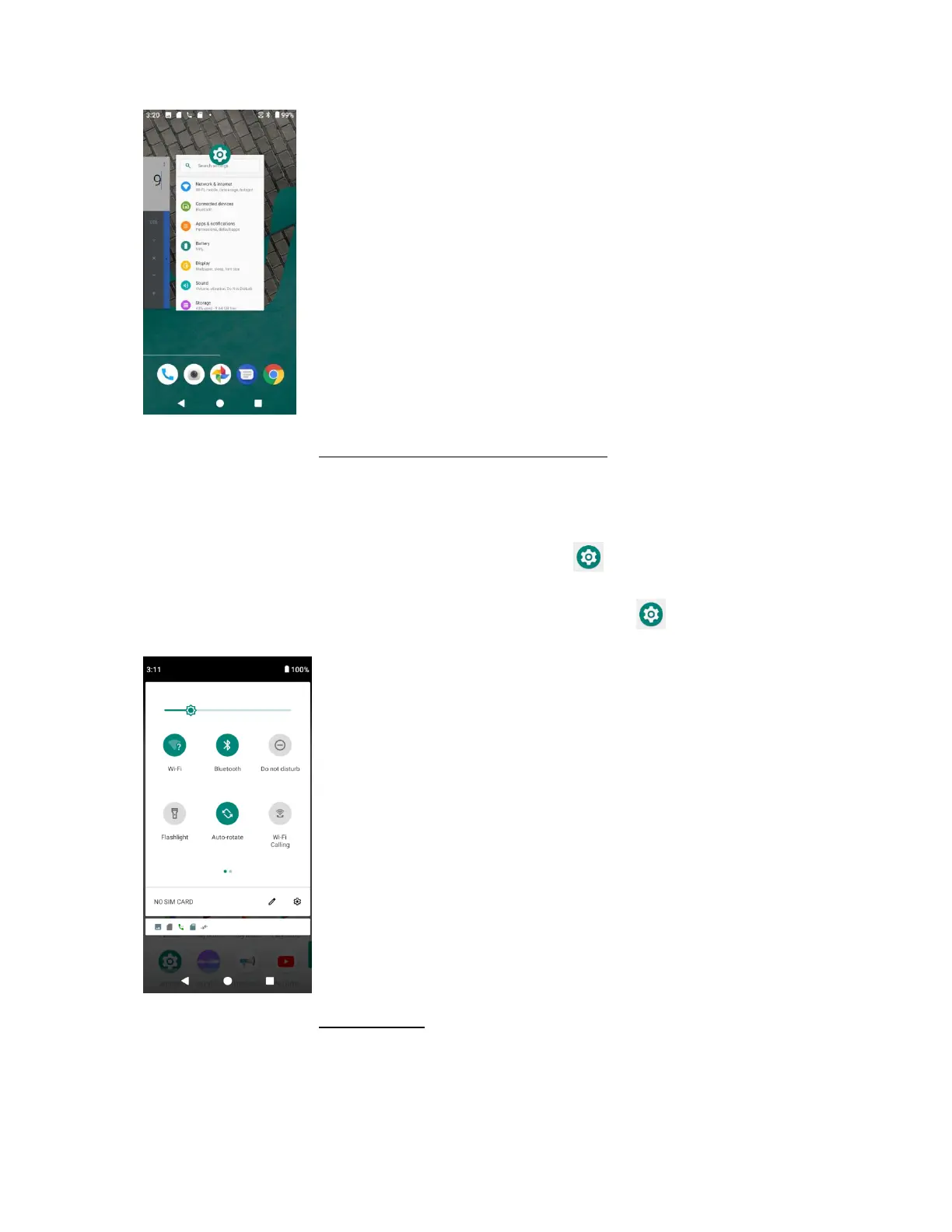
For more information, see Switch between recently opened apps.
Phone settings menu
You can customize your phone’s settings and options through the Settings menu.
1. From home, swipe up to access Apps, and tap Settings .
2. Or you can also drag the status bar down twice and tap Settings
For more information, see Basic settings.


 To Next Page