18
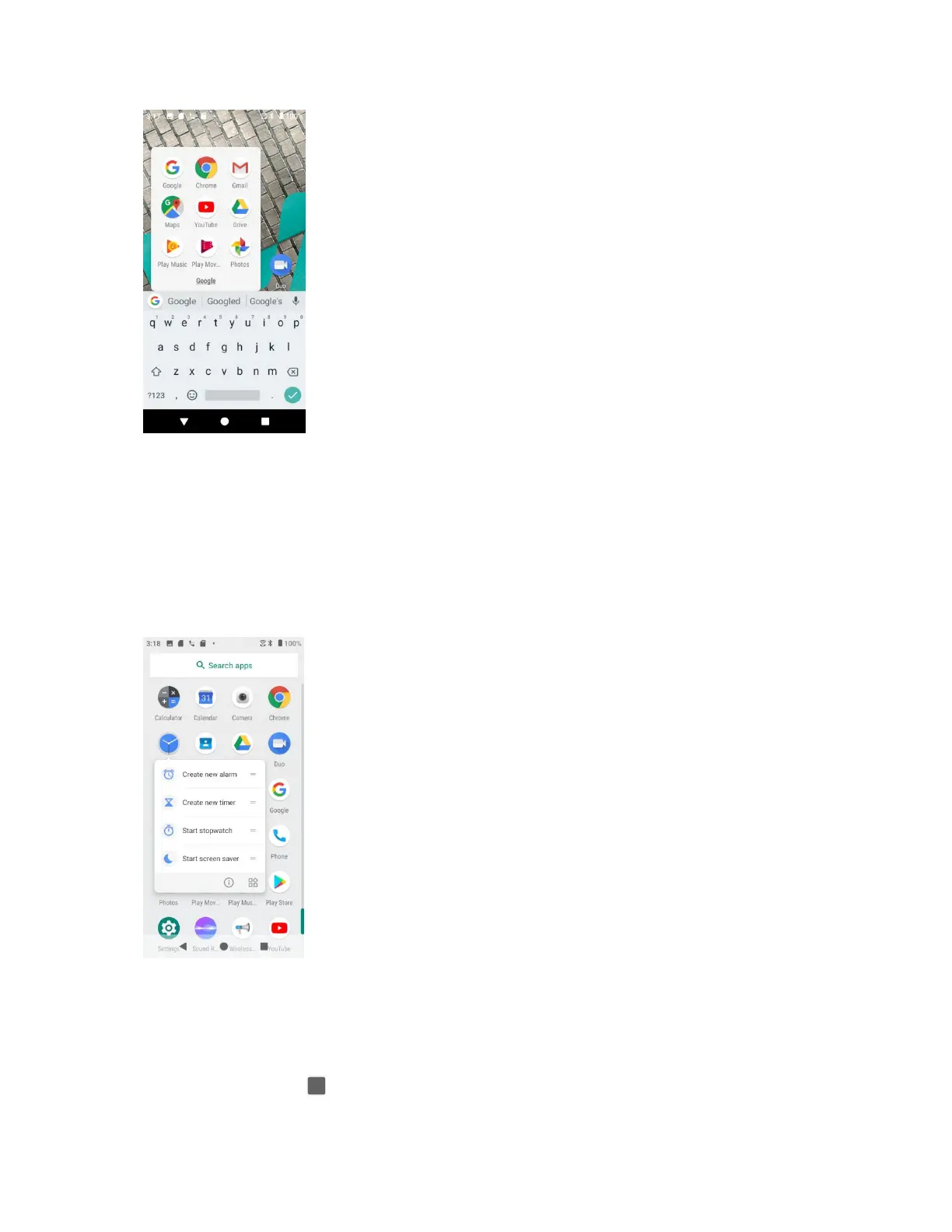
Remove apps from a folder
1. Tap the folder to open it.
2. Touch and hold an app in the folder and drag it out to the Home screen.
App shortcuts
Touch and hold an app icon on the Home screen or the Apps screen to display a menu that lets
you quickly access common app functions.
Note: Not all apps support the app shortcuts feature.
Switch between recently opened apps
You can easily switch between the apps you've recently opened.
Tap Recent Apps button to see your recently-opened apps.


 To Next Page