37
Your phone’s home screen
The following topics describe how to use and customize your phone’s home screen,
understand the status bar, and use the notification panel.
Home screen basics
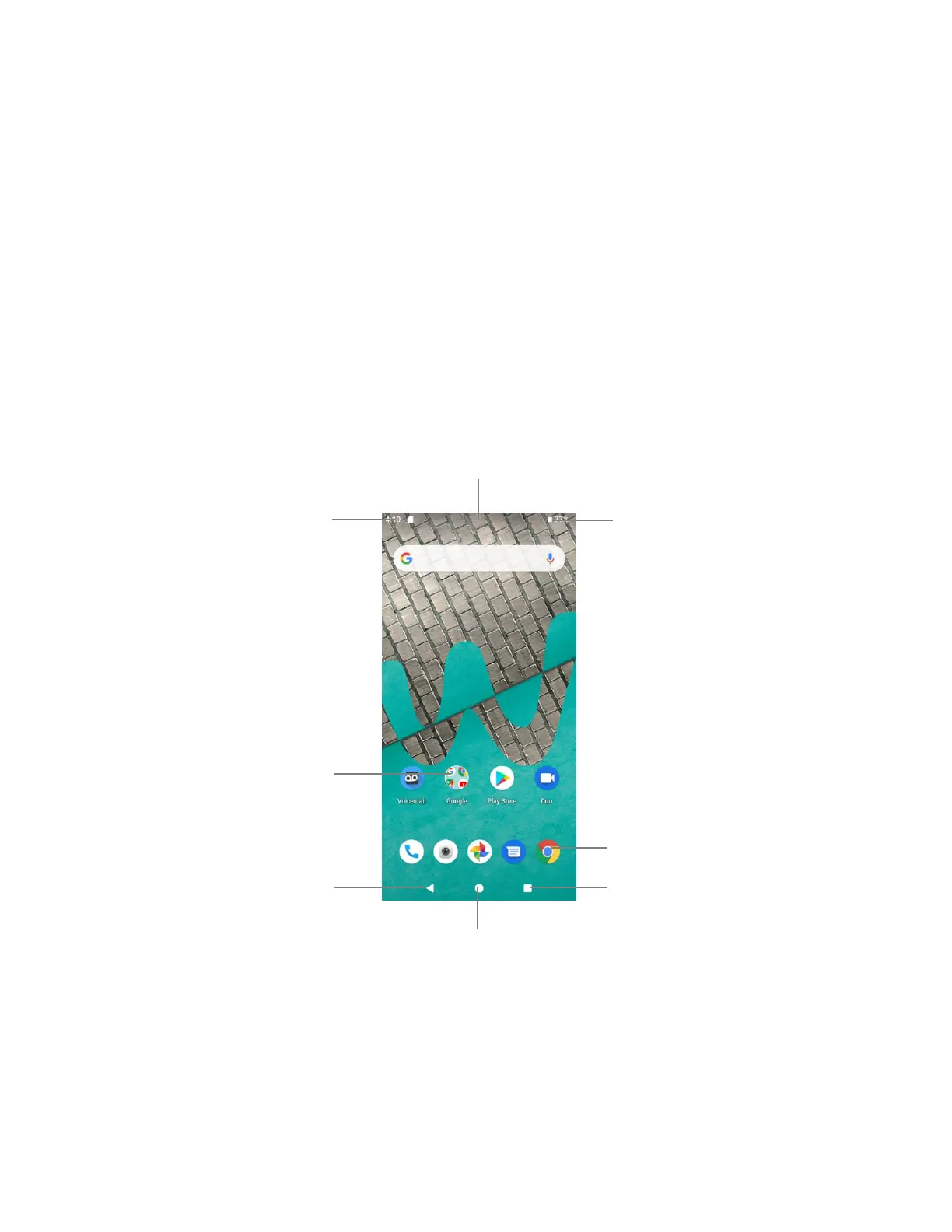
The home screen is the starting point for your phone’s applications, functions, and menus. You
can customize your home screen by adding application icons, shortcuts, folders, widgets, and
more.
Home screen layout
Your home screen extends beyond the initial screen. Slide the screen left or right to display
additional screens.


 To Next Page