39
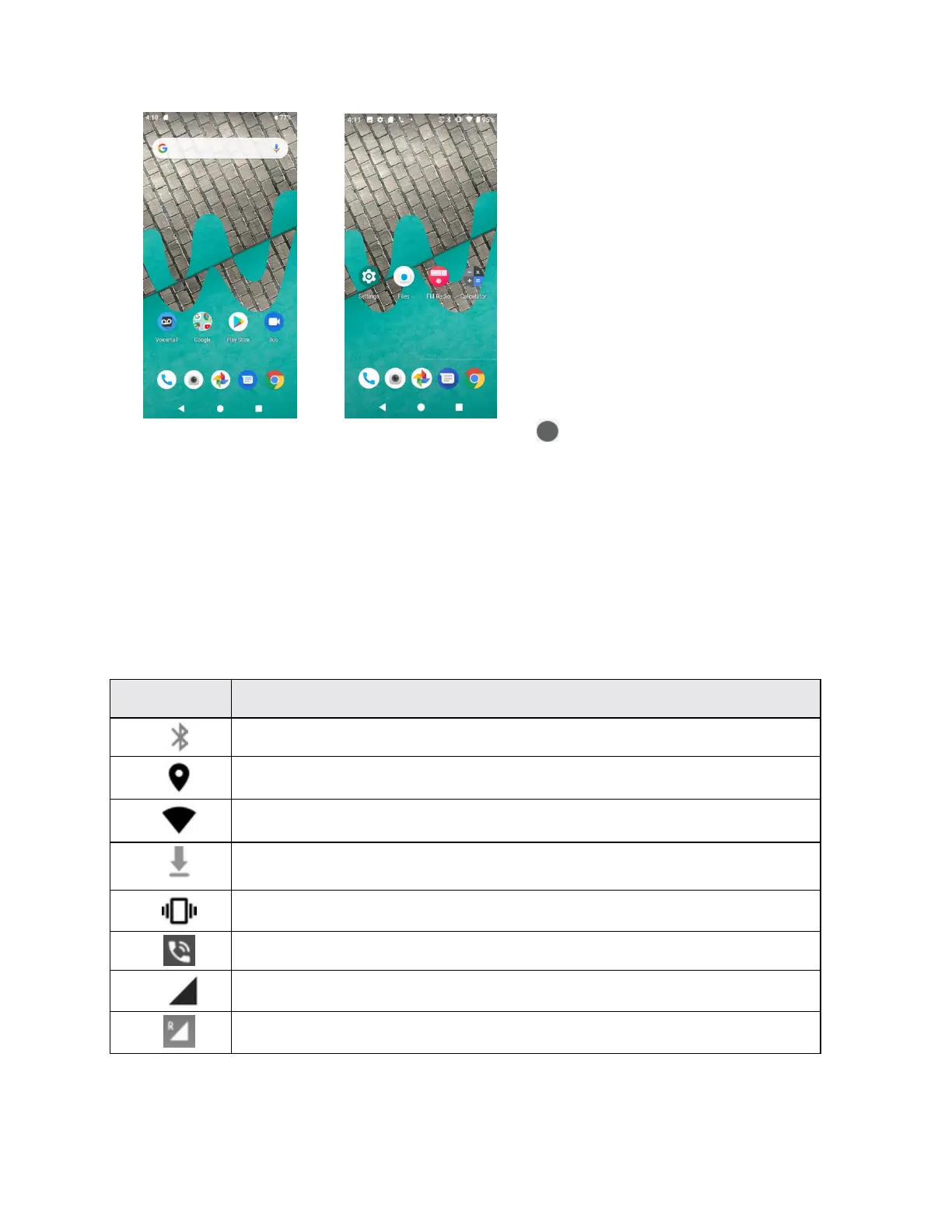
• While on an extended screen, press Home button to return to the main home screen.
Status bar and notification panel
Your phone’s status and notifications are available at a glance at the top of the screen.
Status bar
The status bar at the top of the home screen provides phone and service status information on
the right side and notification alerts on the left. To view the notification panel or access the quick
settings menu, drag the status bar down from the top of the screen.
Main status icons


 To Next Page