17
Applications
The following topics describe how to access the applications (apps) list and launch apps on
your phone.
Launch applications
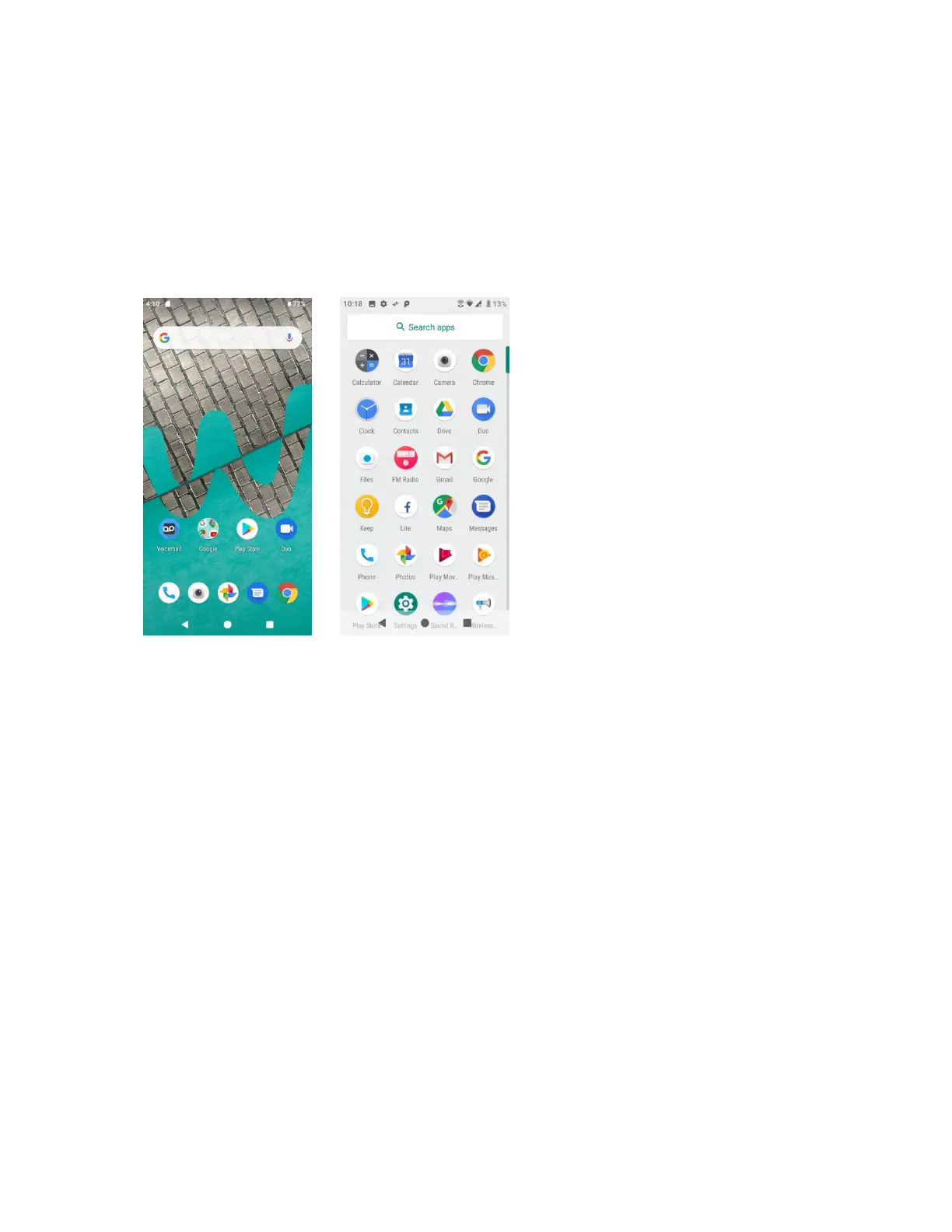
All installed apps can be accessed and launched from the apps list.
1. From home, swipe up to access Apps.
2. Tap an app icon to launch the corresponding application.
Working with apps
Group apps into a folder
1. Touch and hold an app and drag it over to another app to create a folder automatically.
2. To add more apps to the folder, drag each app over to the folder.
3. To name or rename the folder, open the folder, tap the title bar, and then enter a folder
name.


 To Next Page