24
Google keyboard
The Google keyboard offers a traditional QWERTY keyboard setup for entering text by tapping
keys (like on a computer), along with enhancements and options that allow you to enter text
faster and more accurately, such as continuous key input, personalized usage dictionaries, and
more.
Use Google keyboard
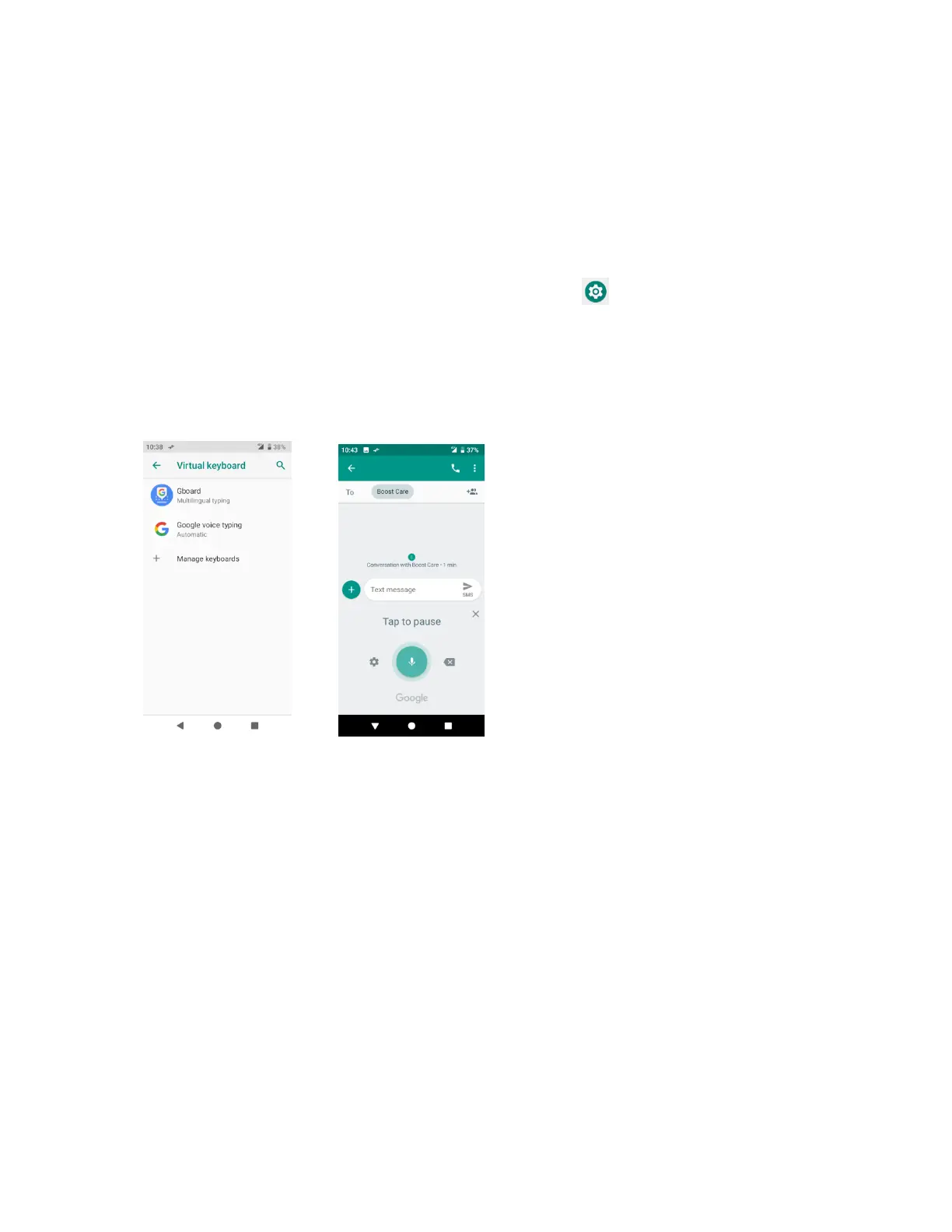
1. From home, swipe up to access Apps, and tap Settings .
2. Tap System > Language & input > Virtual keyboard > Gboard.
Google voice typing
Google voice typing uses Google voice recognition to convert speech to text.
Tips for editing text
Your phone gives you many options to make entering text easier, including copying, cutting,
and pasting text, using voice-to-text input, customizing the user dictionary, using predictive text,
and more.
To edit text you have already entered:
1. Touch and hold or double-tap within the text you would like to edit.
2. Drag the tabs to change the highlighted selection.
3. The following options will appear: Select all, Cut, Copy, Share and Paste (only after the
Copy action).


 To Next Page