51
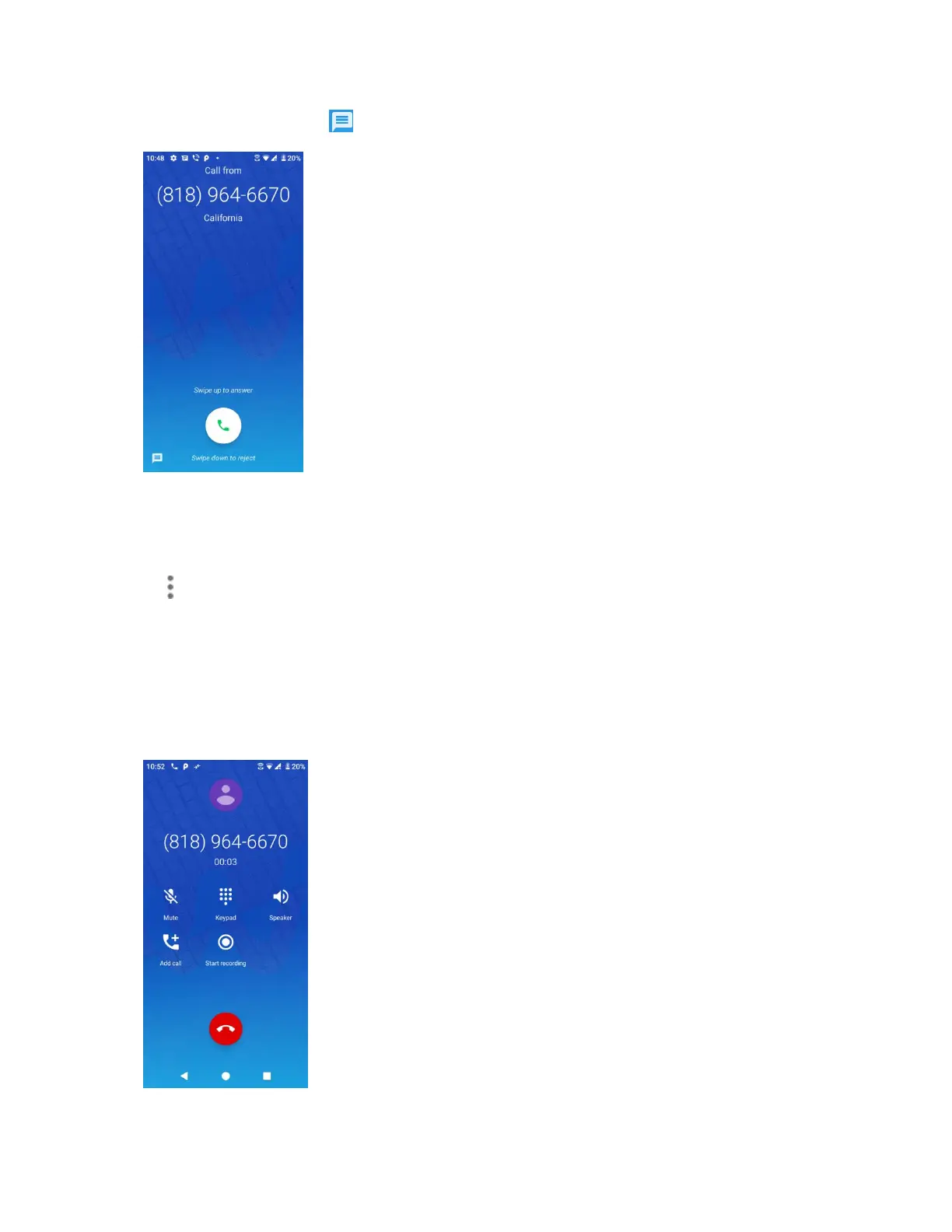
1. When a call arrives, tap from the bottom left corner of the screen.
The ringtone or vibration will stop and you will see a list of preset text messages.
2. Tap one of the messages to send it to the caller.
You can edit the reject messages through the call settings menu. From the phone app, tap
Menu > Settings > Quick responses and edit or create the reject messages.
In-call screen layout and operations
While you’re on a call, you will see a number of onscreen options.
In-call screen layout
Tap options to activate them during a call.


 To Next Page
 Loading...