support01@wimius.com support01@wimius.com
EN EN
12 13
USE THE PROJECTOR
1. Turn on/off the projector
Connect the projector to the power supply, the projector will enter the standby state, and the signal indicator light
on the cover will be red.
Power on:
Press the power button on the body, or the power button on the remote control, and the indicator light
turns blue to enter the working state.
Shutdown:
In the working state, press the power button on the body, or the power button on the remote control,
the indicator light will change from blue to red, and the projector will be turned off. (The remote control needs to be
pressed twice to conrm it shutdown)
Power button
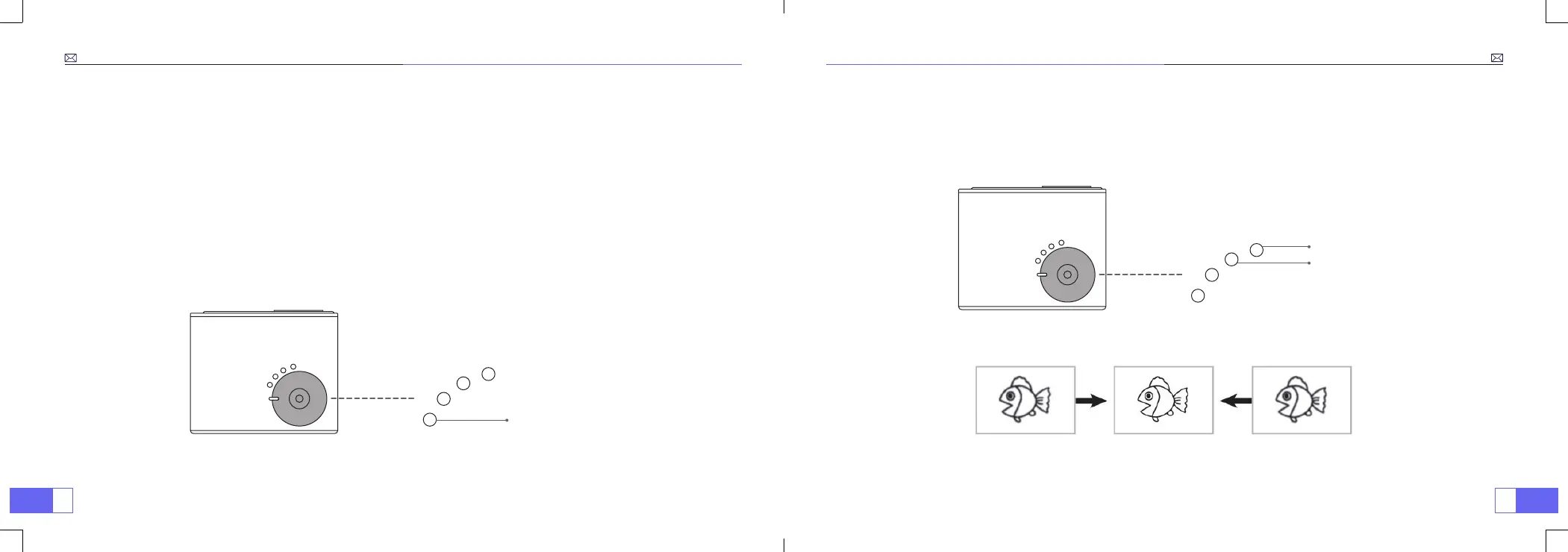
2. Electric Focus Adjustment
Place the projector lens perpendicularly to the projection screen or curtain wall, and press the F+/F- key on the
remote control or the projector panel, until the image is clear, that means the image focusing is nished.
Note:
If it is still blurry, please try to adjust the projection distance.
Focus+
Focus-



 To Next Page