support01@wimius.com support01@wimius.com
EN EN
20 21
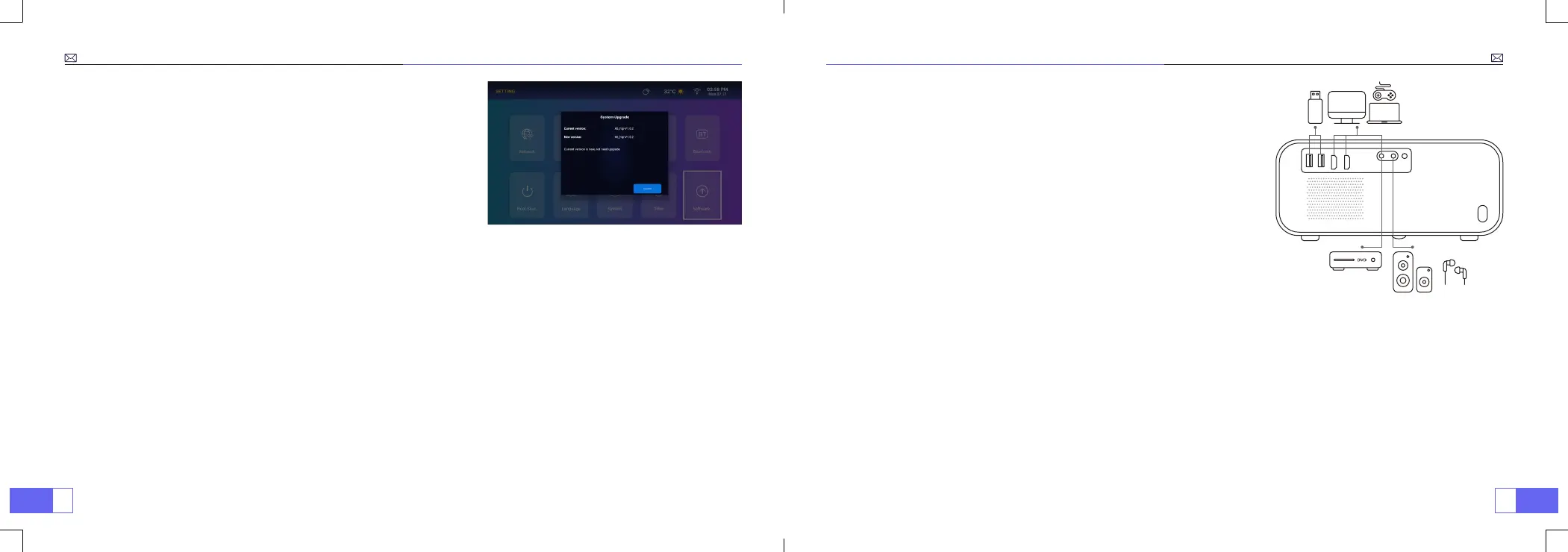
SYSTEM UPDATE
Go to home page - Select the [
Setting
] menu - Select the [
Software
] Option - Select the [
System Upgrade
]
Notice:
If the software currently is the latest, you do not need to upgrade the software.
During the upgrade process, if
you have any question, please feel free to contact us via
support01@wimius.com
SIGNAL LINES CONNECTION
WiMiUS P63 projector has 6 interfaces, HDMI port*2 / USB port*2 / AV
port*1 / Headphone port*1, please select the correct port to connect
your device (PC, DVD Player, Fire TV stick, TV box, Sound bar, USB disk,
PS4 etc.)
1. Connect your Fire TV stick (or PC, TV box, PS4 etc.) to the HDMI port of the projector;
2. Enter the home page to select the corresponding HDMI as the signal source.
1. Connect the Devices via the HDMI port
1. Turn on your DVD player and the projector;
2. Connect to the DVD Player and the projector with the HDMI cable
3. Enter the home page to select the corresponding HDMI as the signal source.
2. Connect to the DVD Player



 To Next Page