support01@wimius.com support01@wimius.com
EN EN
14 15
SETTING UP THE PROJECTOR
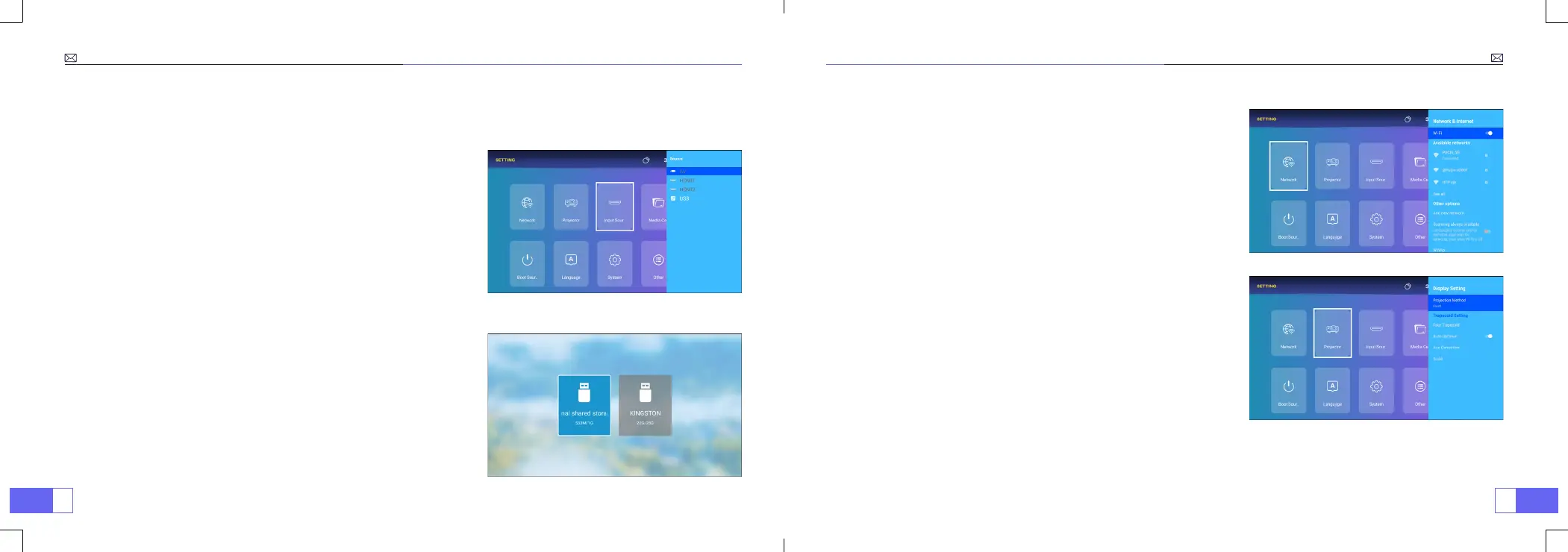
1. Select the Insert Signal Source
2. USB Disk Input Mode
Select the desired insert signal source (AV/HDMI1/HDMI2/USB) on
the setting - input source page.
Note:
If you connect the external device (Such as TV box, Fire TV
Stick, DVD Player, USB ash disk, Computer etc.), please must select
the corresponding signal source. If you choose wrong, the projector
will show no signal.
Play Video/Music/Photo in the File Manager
1. Insert the USB Disk, the [
USB
] icon of the homepage will turn
white.
2. Select the [
USB
] icon, or File Manager.
3. Select the desired le (or folder to enter the subfolder) in the USB
disk, then press the [
OK
] button to play.
3. Network Setting
4. Projector Setting
Enter the setting menu, select [
Network
], Load and find the
network you need to connect to, and connect.
Enter the setting menu, select [
Projector
], you can set the keystone
correction, There are several correction methods [
Four Trapezold
].
Press the "OK" button on the remote controller to enter the submenu [
Projection Method
] You can select the desired projection method.
4.1 Play Interface
4.2 Projection Method



 To Next Page