support01@wimius.com
EN
12
USB:
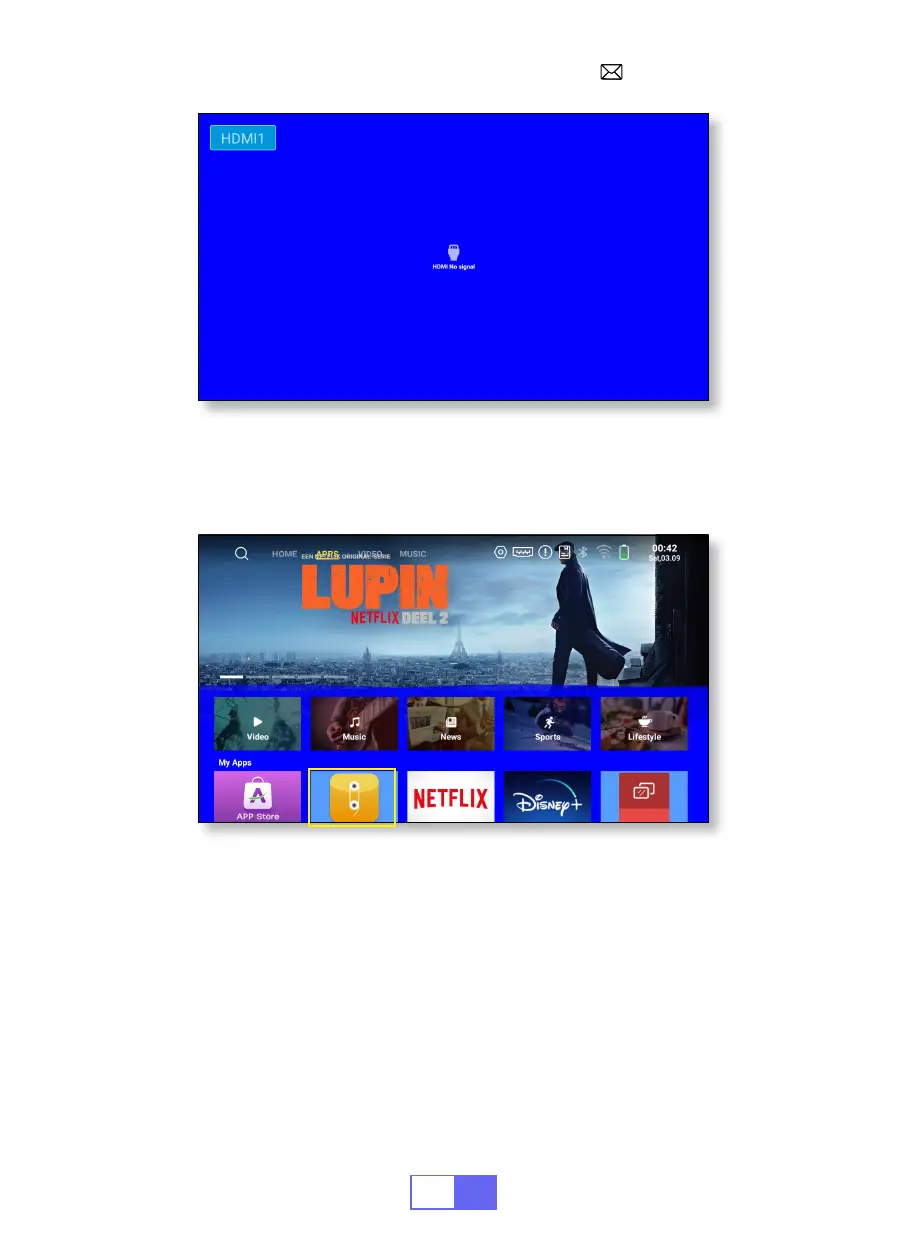
The device will detect the USB stick automatically. Click "APPS" on the
homepage and select "File Maneger" on the page.
WIRELESS CONNECTION
1.For IOS System (Airplay)
Attention:
Your device and the projector should be in the same Home
WiFi.
1.Turn on the Network setting of the projector.
2.Choose your Home WiFi to connect and enter the right password, then
click “OK”, please wait 3 seconds to establish the connection.


 To Next Page