EN
17
support01@wimius.com
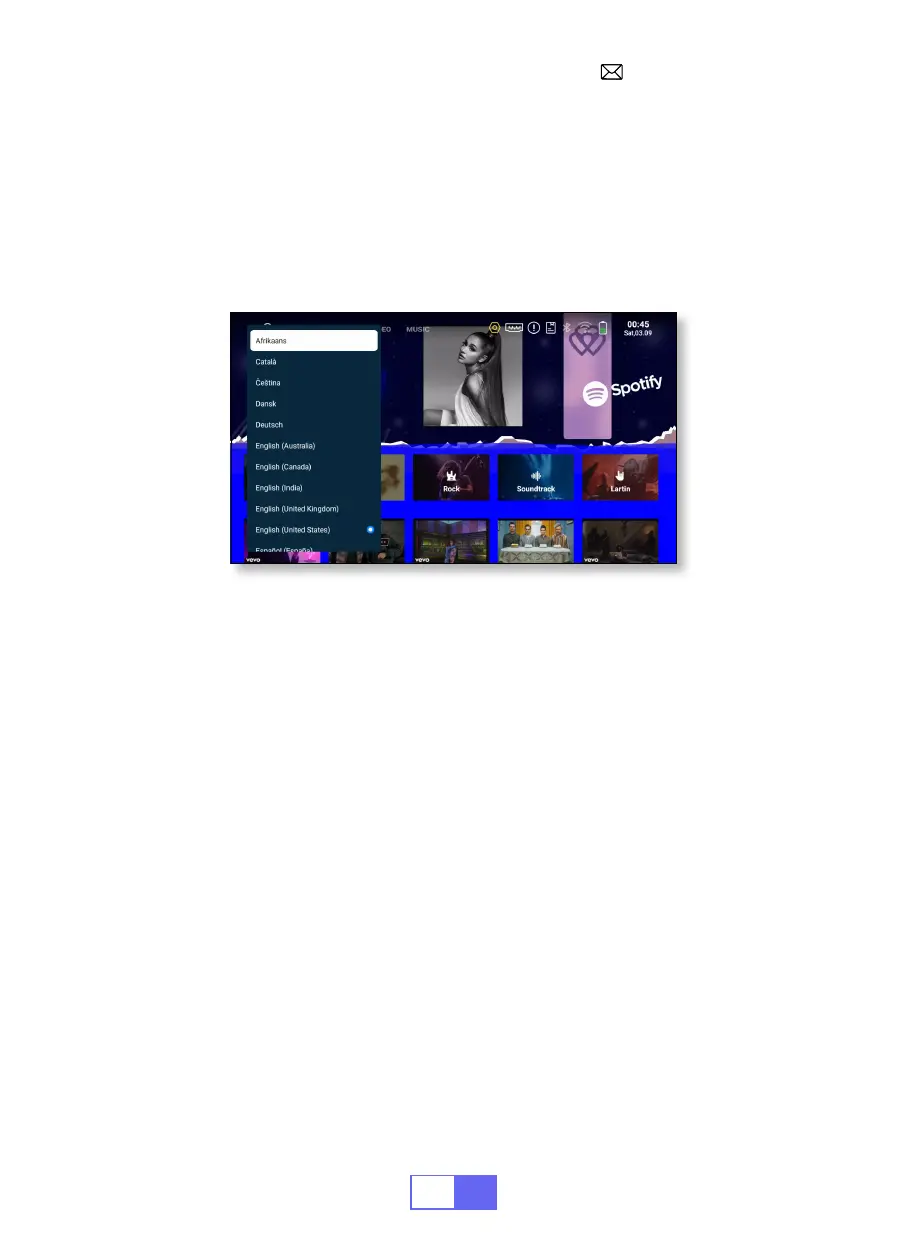
LANGUAGE SETTING
OTHER SETTING
There are more than 50 languages to choose from, English, French,
German, Italian, Spanish, Japanese, etc.
•Select [Settings] -- [System] -- [Language], choose the language you
need.
• In the other settings menu, you can nd the "Application Setting" option,
click it to view all installed applications and congure them.
Location: [Settings] -- [General] -- [App Settings].
• Reset and delete all data
Location: [Settings] -- [System] -- [Factory Reset]
Application Setting
Factory Reset Setting


 To Next Page